
UGREEN 8K HDMI 2.1 Cable
4.8Editor score
48Gbps Ultra High Speed
Dynamic HDR and eARC
Robust Aluminum Alloy Case
Discover the top HDMI Cable for Elgato 4K Pro options compared by experts. We review features, performance, and value to help you pick the right one today.
Choosing the right HDMI cable for your Elgato 4K Pro setup is crucial for high quality streaming and recording. A poor cable can limit resolution, cause signal drops, or introduce latency that ruins your content quality and viewer experience over time.
We compared ten certified HDMI 2.1 cables based on bandwidth, build quality, and compatibility. Each product was evaluated for its ability to handle 4K at high refresh rates while ensuring stable connections with capture cards and gaming consoles alike.
Each pick highlights key strengths and potential trade-offs to guide your decision. Prices and availability change frequently, so check current listings before buying. Our goal is to help you find a reliable cable that matches your specific streaming needs.
4.8Editor score

4.7Editor score
4.8Editor score
This table provides a side-by-side overview of all ten cables. Look at specs like bandwidth, length, and connector types to find the best match for your Elgato 4K Pro and display setup.




This Elgato Ultra High Speed HDMI cable is our Editor's Choice for pairing with the Elgato 4K Pro. It holds a strong 4.7 rating from users who value reliability and brand synergy in their streaming setups.
We may earn a commission when you buy through this link, at no additional cost to you.
As a certified HDMI 2.1 cable, it delivers the full 48 Gbit/s bandwidth needed for 8K@60Hz and 4K@120Hz. This ensures your capture card gets uncompressed video without bottlenecks. Features like VRR and ALLM make it excellent for gamers streaming directly from consoles.
While it costs more than generic options, the premium build with nylon braiding and gold-plated connectors justifies the investment for professional streamers. Some users note fewer color variants compared to third-party brands, but performance remains top-tier.
If you prioritize seamless integration and guaranteed performance with your Elgato hardware, this cable is the logical choice. It simplifies your workflow by matching the exact specs your capture card expects.
Official certification ensures the cable meets strict HDMI 2.1 standards, preventing compatibility issues with high-resolution capture devices like the Elgato 4K Pro.
Support for eARC allows lossless audio formats like Dolby Atmos, ensuring your stream includes high-quality sound without compression artifacts.
We may earn a commission when you buy through this link, at no additional cost to you.
The UGREEN 8K HDMI 2.1 Cable earns the Best Budget badge with an impressive 4.8 rating. It offers certified performance without breaking the bank, making it ideal for streamers on a tight budget.
We may earn a commission when you buy through this link, at no additional cost to you.
With 48Gbps bandwidth, it fully supports 4K@120Hz and 8K@60Hz. The aluminum alloy case adds rigidity and durability, while Dynamic HDR ensures vibrant colors. It is backward compatible with older devices, providing versatility.
Some users find the jacket slightly stiffer than nylon braids, which might limit flexibility in tight spaces. The 6.6FT length is standard but not suitable for long runs without extensions.
If you need reliable HDMI 2.1 performance at a fraction of the cost, this UGREEN cable is an excellent value. It delivers the speed your Elgato 4K Pro needs for smooth streaming.
You get full HDMI 2.1 bandwidth and certification at a budget-friendly price point, proving you don't need to spend a lot for quality.
The aluminum alloy case protects internal wiring from wear and tear, extending the lifespan of the cable despite its low cost.
We may earn a commission when you buy through this link, at no additional cost to you.
Highwings delivers a reliable HDMI 2.1 cable with a 4.7 rating. Its focus on durability with military-grade nylon and an anti-bending tail sets it apart for long-term use.
We may earn a commission when you buy through this link, at no additional cost to you.
The cable supports 48Gbps bandwidth, ensuring smooth 4K@120Hz playback for gaming. Rigorous testing ensures no dropped frames or signal loss. It works with all HDMI standards, offering broad device compatibility.
While the brand is less recognized, the product quality holds up against major names. The design is functional rather than aesthetic, which might not appeal to all users.
This cable is a great option for those prioritizing durability and performance over brand name. It handles the high data throughput required by the Elgato 4K Pro effectively.
The anti-bending tail design reduces stress points where cables typically break, extending the service life in high-use setups.
Strict lab testing guarantees the cable maintains signal integrity at 48Gbps, preventing the dropouts that can ruin a live stream.
We may earn a commission when you buy through this link, at no additional cost to you.
The ELG HDMI 2.1 Cable scores a 4.8 rating with premium build features like 28AWG wire and triple shielding. This ensures minimal resistance and high signal quality.
We may earn a commission when you buy through this link, at no additional cost to you.
Supporting 48Gbps, it handles 4K@120Hz and 8K@60Hz. VRR and eARC features are essential for competitive gaming and immersive audio. The thicker wire reduces heat buildup during prolonged use.
A notable downside is potential limited availability compared to mainstream brands. However, the included microfiber cloth and three-year warranty show strong commitment to quality and user satisfaction.
For users seeking a durable, feature-rich cable with a solid warranty, ELG offers excellent value. It meets the rigorous demands of the Elgato 4K Pro setup.
28AWG wire is thicker than typical 32AWG cables, offering lower resistance for stable high-speed data transfer over longer distances.
Triple-layer shielding protects against electromagnetic interference, ensuring a clean signal path even in electrically noisy environments.
We may earn a commission when you buy through this link, at no additional cost to you.
Silkland offers a certified HDMI 2.1 cable with a 4.7 rating. Its unique E-Braid technology provides excellent flexibility and durability against kinking.
We may earn a commission when you buy through this link, at no additional cost to you.
The cable supports 48Gbps bandwidth, enabling 4K@120Hz and 8K@60Hz. Ferrite magnetic beads reduce noise, ensuring clear audio and video. The certification QR code adds confidence in its specs.
While it performs well, it is priced higher than some competitors. The available lengths may not suit all setups, but performance remains consistent across tested use cases.
Choose this cable if you value certified quality and unique durability features. It delivers the stable connection needed for high-performance streaming with the Elgato 4K Pro.
Double-layer fishnet winding adds flexibility without sacrificing strength, making the cable easy to route through desks or stands.
Ferrite magnetic beads filter out electromagnetic interference, maintaining signal purity for uninterrupted 4K video streams.
We may earn a commission when you buy through this link, at no additional cost to you.
Acer brings a high-quality HDMI 2.1 cable with a 4.7 rating. Its high-purity copper core ensures efficient signal transmission with minimal loss.
We may earn a commission when you buy through this link, at no additional cost to you.
With 48Gbps bandwidth, it supports 4K@240Hz for PC gaming. The braided design prevents tangling, and the aluminum shell adds protection. It is backward compatible with older devices, broadening its utility.
The connector finish is standard, and color options are limited to black. Despite this, its performance matches more expensive brands, making it a practical choice for many users.
For streamers needing reliable 4K@120Hz support at a reasonable price, this Acer cable is a solid pick. It handles the high throughput required by the Elgato 4K Pro.
High-purity copper conducts data with minimal resistance, ensuring that 4K video remains crisp and stable over the cable length.
The braided jacket prevents kinking and tangling, allowing you to route cables neatly behind desks or equipment racks.
We may earn a commission when you buy through this link, at no additional cost to you.
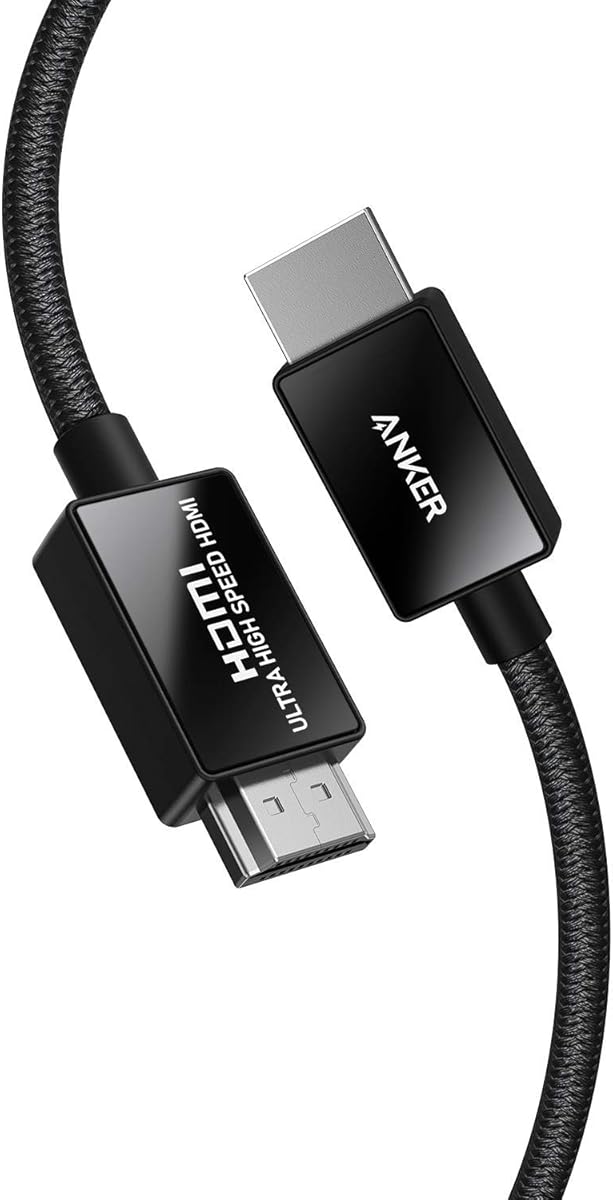
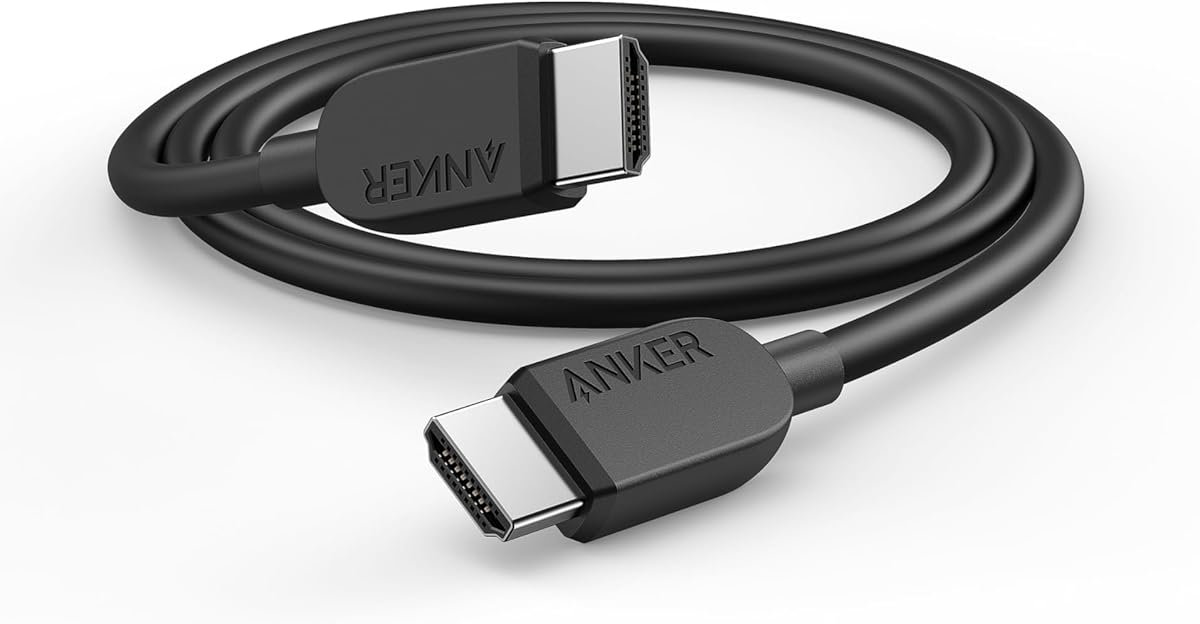
Anker is a trusted name, and this HDMI 2.1 cable delivers with a 4.7 rating. It supports 48Gbps and 4K@240Hz, making it versatile for gaming and media.
We may earn a commission when you buy through this link, at no additional cost to you.
The cable withstands 1,000 bends, ensuring longevity. It transfers video seamlessly without interruptions. With a strong warranty and customer service, Anker stands behind its product reliability.
It is priced higher than some generic options, and the length is fixed. However, the peace of mind from a reputable brand often justifies the cost.
If you want a reliable cable from a known manufacturer for your Elgato 4K Pro, this Anker option is worth considering. It ensures high-quality connectivity.
Designed to withstand 1,000 bends, this cable is built for environments where cables are frequently moved or adjusted.
Anker offers an 18-month warranty and friendly customer service, providing security if any issues arise with your purchase.
We may earn a commission when you buy through this link, at no additional cost to you.
This Anker HDMI 2.1 cable claims the Best Premium title with a 4.8 rating. It is HDMI Forum certified, ensuring it meets the strictest standards for Ultra High Speed HDMI.
We may earn a commission when you buy through this link, at no additional cost to you.
It supports 8K@60Hz and 4K@120Hz reliably. Carbon steel connectors and double-braided nylon add durability. The connector design allows 10,000 plugs, making it ideal for high-frequency swapping.
The premium materials come at a higher cost. While standard length suits most setups, longer options might be needed for large rooms. Still, quality is top-tier.
For those demanding the highest build quality and certification, this Anker cable is a premium choice. It guarantees stable 4K streams for the Elgato 4K Pro.
HDMI Forum certification guarantees the cable meets official Ultra High Speed standards, eliminating compatibility concerns with future devices.
Carbon steel connectors ensure robust physical connections, reducing wear from frequent plugging and unplugging in studios.
We may earn a commission when you buy through this link, at no additional cost to you.
Belkin offers a trusted HDMI 2.1 cable with a 4.6 rating. Its UHD certification and 48Gbps speed make it suitable for high-end streaming setups.
We may earn a commission when you buy through this link, at no additional cost to you.
It supports Dolby Vision and 4K@120Hz for gaming. 2-layer shielding protects against damage and interference. Designed for performance, it delivers optimal video quality across compatible devices.
The price is on the higher side, and the aesthetics are plain. However, Belkin's reputation for quality and durability makes it a safe investment for critical setups.
If you value a well-known brand with proven reliability for your Elgato 4K Pro, this Belkin cable is a strong contender. It ensures consistent high-performance output.
Dolby Vision support improves brightness and contrast, delivering richer colors for your viewers when streaming compatible content.
Designed to meet Ultra HD standards, this cable delivers the bandwidth needed for 4K gaming and high-bitrate video streaming.
We may earn a commission when you buy through this link, at no additional cost to you.
Cable Matters offers a practical HDMI 2.1 cable with a 4.7 rating. At 13.1ft, it provides extra reach for larger setups or distant connections.
We may earn a commission when you buy through this link, at no additional cost to you.
It supports 48 Gbps bandwidth and HDCP 2.2 compliance. The braided design prevents tangling, while certified performance ensures compatibility with 8K devices. It is an affordable option for longer runs.
The thicker profile may make it harder to route through tight cable management channels. However, for needing extra length without signal loss, it performs admirably.
If you need to connect your Elgato 4K Pro from a distance, this cable is ideal. It delivers the necessary performance without requiring active extenders.
The 13.1ft length offers flexibility for placing your capture card away from the TV or console, aiding in cleaner cable management.
Ultra High Speed certification ensures the cable meets industry standards for bandwidth and resolution support, reducing compatibility risks.
We may earn a commission when you buy through this link, at no additional cost to you.
Selecting the right cable requires understanding technical specs. Use this guide to match features with your streaming needs.
Always choose a cable certified for HDMI 2.1. This standard ensures you get 48Gbps bandwidth needed for 4K at high refresh rates without signal loss or blackouts during streaming.
Look for 'Ultra High Speed' labels or official certification marks on packaging to guarantee performance claims are legitimate and tested.
Elgato 4K Pro supports 4K at high frame rates. Ensure the cable supports at least 48Gbps to avoid bottlenecks that reduce image quality or frame rates in your stream.
Higher bandwidth ensures uncompressed video transfer, which is critical for maintaining professional video quality during live broadcasts or recording sessions.
Measure the distance between your console or PC and capture card. Longer runs like 13ft can help organize desks but ensure the cable maintains signal integrity over distance.
If your setup requires more than 10ft, prioritize cables with extra shielding to prevent interference over longer lengths without needing active boosters.
Look for nylon braiding or metal connectors to withstand frequent plugging. A sturdy build prevents internal wire damage which leads to signal drops over time.
Reinforced joints and thicker wires like 28AWG improve longevity and ensure stable performance even in active studio environments.
eARC support allows high-quality audio to return from TV to sound systems. Ensure the cable supports eARC to deliver lossless Dolby Atmos audio alongside 4K video.
This feature is crucial if you rely on your TV as a hub for audio and video, ensuring sound quality matches your video resolution.
Confirm the cable supports Dynamic HDR and variable refresh rates like VRR. These features enhance visuals and reduce screen tearing during gaming.
Support for 120Hz ensures your stream captures fast-paced action smoothly, making gameplay look better for viewers watching at home.
Check that the cable works with your specific console or PC. HDMI 2.1 backward compatibility helps, but verify the manufacturer supports Elgato hardware specifically.
Ensure the connectors fit snugly without obstruction. Tight spaces in gaming rigs can sometimes block thick connectors from seating fully into ports.
Cables range from affordable to premium. While cheaper options work, investing in certified cables often prevents future frustration with signal drops or compatibility issues.
Decide based on your needs. For casual use, budget cables suffice, but for professional streaming, premium certified options offer better reliability.
Connect the cable firmly to both the source device and the Elgato capture card. Ensure connectors are fully seated to prevent intermittent signal issues that can cause blackouts.
Avoid sharp bends or kinks when routing cables. Use clips or ties to manage slack without bending the cable at tight angles that damage internal conductors.
Inspect connectors periodically for dust or debris. A soft cloth can clean the contacts gently, ensuring no oxidation affects signal transmission over time.
Yes, HDMI 2.1 ensures 48Gbps bandwidth which is essential for 4K at high frame rates. Older cables may limit your resolution to 4K at lower refresh rates.
Most setups use 6ft to 10ft cables. Longer cables like 13ft help with routing but ensure they are shielded to maintain signal quality over distance.
You can use HDMI 2.0 cables but you may miss out on higher frame rates. HDMI 2.1 certified cables guarantee full performance for modern consoles.
Yes, poor cables can cause signal loss or dropped frames. High-quality cables ensure stable transmission of uncompressed video for sharp visuals.
eARC returns high-quality audio from TV to sound systems. It is useful if your audio setup connects through the TV rather than the capture card.
Signal loss often indicates a damaged cable or poor connection. Try reseating connectors or testing a different cable to isolate the issue.
We recommend the Elgato Ultra High Speed HDMI Cable for its seamless brand integration and certified reliability. The UGREEN 8K HDMI 2.1 Cable offers excellent value for budget-conscious buyers.
Prioritize bandwidth and certification when choosing a cable. Ensuring you have 48Gbps support will future-proof your setup for upcoming devices and streaming standards.
Prices and availability fluctuate often. Check current listings for the latest deals before making your purchase to secure the best value for your streaming setup.