
Lexar D40E 256GB
4.3Editor score
Dual USB Type-C and A
256-bit AES encryption
360 degree swivel design
This guide compares the top flash drives for HP laptops featuring speed capacity and security to help you choose the perfect portable storage solution for your
Finding the right flash drive for your HP laptop is essential for efficient data management and secure file transfers. Modern drives offer high speeds and durable designs that complement your workstation needs perfectly.
We evaluated ten top models based on transfer rates, compatibility, build quality, and user ratings to identify the most reliable options. Our analysis focuses on real-world performance metrics and practical features for everyday use.
Each pick highlights key strengths and ideal use cases so you can make an informed decision quickly. Please note that product availability and pricing may change frequently across retailers.
4.3Editor score

4.6Editor score

4.5Editor score
The following table provides a side-by-side comparison of all ten selected flash drives highlighting their core specifications and key features for easy reference.




The SanDisk Ultra Flair stands out as a top choice for HP laptop users seeking high speed and reliable storage. With a 4.6 star rating it delivers impressive performance for everyday tasks and large file transfers.
We may earn a commission when you buy through this link, at no additional cost to you.
Its USB 3.0 interface supports read speeds up to 150MB/s allowing you to move full length movies in under thirty seconds. The metal casing not only looks professional but also protects the drive from physical wear and tear during travel.
While the lack of a Type-C connector might limit future proofing it remains fully compatible with standard USB 3.0 ports found on most HP laptops. The included SecureAccess software adds a valuable layer of privacy for sensitive documents.
This drive is ideal for professionals and students who need fast dependable storage that fits seamlessly into their workflow. Its blend of speed durability and security makes it a standout option in the crowded flash drive market.
Enjoy rapid data movement with read speeds reaching 150MB/s making it perfect for media files and large datasets.
Keep your private files safe with 128-bit AES encryption and password protection features built into the software.
We may earn a commission when you buy through this link, at no additional cost to you.
The Lexar D40E offers premium features that justify its position as a top tier option for HP laptop owners. Boasting a 4.3 rating it combines substantial storage with versatile connectivity for modern devices.
We may earn a commission when you buy through this link, at no additional cost to you.
Its dual USB Type-C and Type-A connectors eliminate the need for adapters making it easy to share files between laptops tablets and smartphones. The 256GB capacity ensures you have ample space for extensive media libraries and project files.
Security is enhanced with 256-bit AES encryption providing robust protection for sensitive business data. The swivel design protects the connectors without removable caps reducing the risk of loss or damage over time.
This drive is best suited for users who need maximum flexibility and storage capacity in a single device. The premium build quality and warranty support add long term value for professional and creative workflows.
Switch effortlessly between USB-C and USB-A devices with the integrated dual connector design for maximum compatibility.
Protect confidential files with advanced 256-bit encryption ensuring your data remains secure during transfers.
We may earn a commission when you buy through this link, at no additional cost to you.
For users seeking an affordable yet effective storage solution the HP x900w delivers solid performance without breaking the bank. With a 4.5 rating it proves that budget drives can still offer reliable speed and convenience.
We may earn a commission when you buy through this link, at no additional cost to you.
Its USB 3.0 interface provides transfer speeds up to ten times faster than standard USB 2.0 drives ensuring quick file access. The compact design fits easily in pockets or bags making it ideal for on the go use.
While 64GB may seem limited compared to newer models it remains sufficient for most everyday documents photos and backups. The HP branding ensures seamless compatibility with HP laptops reducing potential driver or hardware issues.
This drive is perfect for students or casual users who need a straightforward reliable drive for basic storage tasks. Its low cost and decent speed make it a smart choice for backup or transfer needs.
Achieve reliable file transfers at an accessible price point ideal for budget conscious buyers and students.
Enjoy seamless integration with HP laptops and PCs ensuring minimal setup time and maximum compatibility.
We may earn a commission when you buy through this link, at no additional cost to you.
The JOIOT 128GB drive offers excellent value for users who need to transfer files between multiple device types. Rated at 4.4 stars it supports both modern USB-C and traditional USB-A connections seamlessly.
We may earn a commission when you buy through this link, at no additional cost to you.
With read speeds up to 130MB/s it handles high resolution photos and videos efficiently. The dual end design works with iPhones Android phones tablets and laptops removing the need for extra adapters.
The plastic enclosure provides adequate protection while keeping the drive light and portable. However write speeds are modest compared to read speeds which may affect backup times for large datasets.
This drive is a practical choice for anyone managing files across different ecosystems without wanting to spend premium prices. Its versatility and speed make it a strong contender for general purpose storage needs.
Share files easily between Android iOS and Windows devices with the dual connector design.
Retrieve files quickly with read speeds optimized for media and document transfer tasks.
We may earn a commission when you buy through this link, at no additional cost to you.
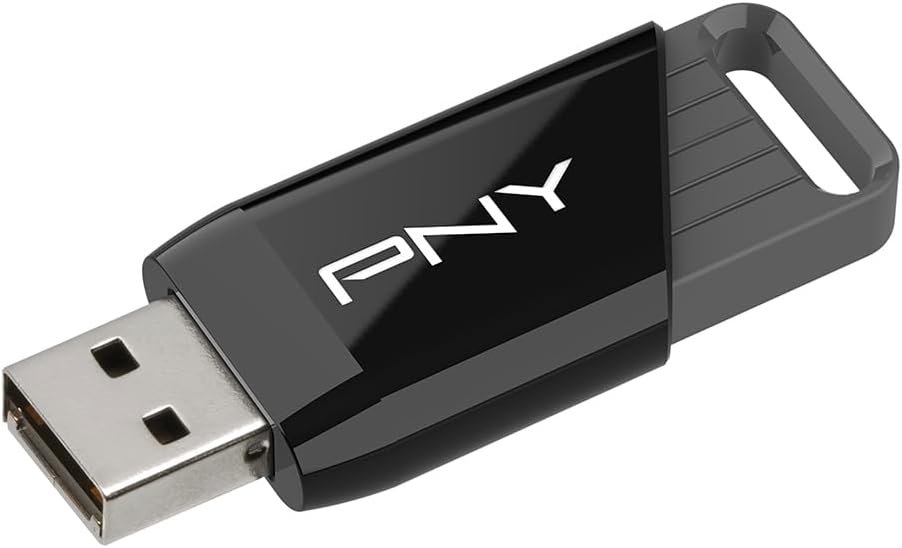
The PNY Attaché X delivers substantial storage in a sleek package suitable for power users. With a 4.4 rating it offers 256GB of space to handle extensive media collections and backups with ease.
We may earn a commission when you buy through this link, at no additional cost to you.
Its USB 3.2 Gen 1 interface ensures transfer speeds up to 130MB/s keeping workflows efficient. The sliding collar cap protects the connector without adding bulk or risk of loss during travel.
While it lacks advanced encryption features the sheer capacity and speed make it ideal for storing large project files. The lightweight build ensures it does not weigh down your laptop bag significantly.
This drive is recommended for creatives or professionals who need to carry large datasets regularly. Its balance of capacity and performance offers significant value for demanding storage scenarios.
Store thousands of files or dozens of movies with 256GB of high capacity storage space.
Keep the USB port safe from dust with a smooth sliding cap design that prevents loss.
We may earn a commission when you buy through this link, at no additional cost to you.
This two pack provides excellent value for users needing multiple drives for backup or sharing. Rated at 4.1 stars it offers two 128GB drives that support both USB-C and USB-A connections.
We may earn a commission when you buy through this link, at no additional cost to you.
The USB 2.0 standard ensures stability across older and newer devices though transfer speeds are modest. Having two drives allows you to maintain redundant backups or share files without swapping a single drive.
While performance is not cutting edge the convenience of a dual drive bundle outweighs speed limitations for casual users. The compact design makes both drives easy to carry in a keychain or pocket.
This option is best for families or students who need multiple portable storage points at a low cost. It simplifies file management by providing dedicated drives for different projects or devices.
Maintain safe file copies across two drives to prevent data loss from drive failure.
Save money by purchasing two drives together instead of buying single units separately.
We may earn a commission when you buy through this link, at no additional cost to you.
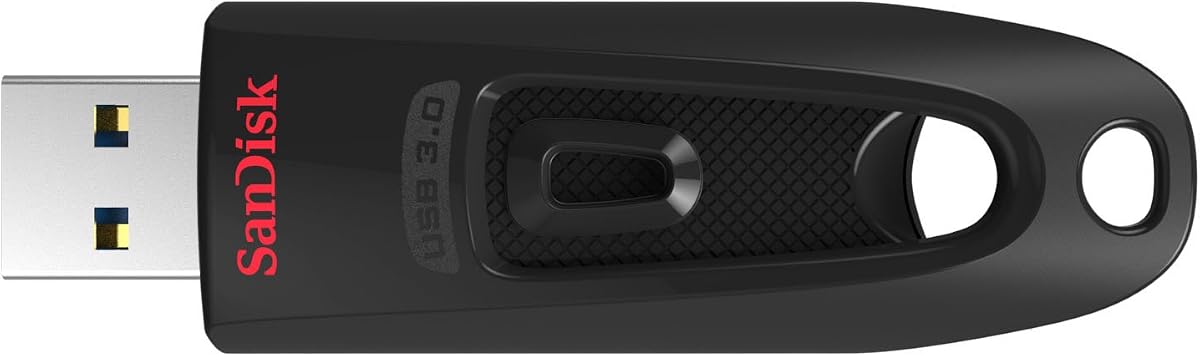
The SanDisk 256GB Ultra offers a straightforward reliable storage solution for general users. With a 4.6 rating it balances capacity and speed effectively for everyday file transfers and backups.
We may earn a commission when you buy through this link, at no additional cost to you.
Transfer speeds reach 130MB/s allowing quick access to large files while maintaining compatibility with older USB 2.0 ports. The included security software adds a layer of protection for personal documents.
Although it lacks Type-C connectivity it remains a solid choice for HP laptops equipped with standard USB ports. The durable design ensures longevity even with frequent plugging and unplugging.
This drive is ideal for users who prioritize brand reliability and ample space over advanced connectivity options. It performs consistently across various operating systems and device types.
Rely on SanDisk proven track record for consistent performance and data integrity.
Handle bulky videos and datasets with 256GB capacity without running out of space.
We may earn a commission when you buy through this link, at no additional cost to you.
The SanDisk Cruzer Blade is a compact affordable option for users with minimal storage needs. Rated at 4.6 stars it fits discreetly into laptop sleeves and bags without adding bulk.
We may earn a commission when you buy through this link, at no additional cost to you.
While USB 2.0 speeds are slower it handles small documents and presentations efficiently. The SecureAccess software ensures that private files remain protected on public computers.
This drive is perfect for carrying essential files like resumes or receipts that do not require large capacity. Its simple design reduces the risk of physical damage from drops or impacts.
Ideal for users who need a reliable drive for occasional use the Cruzer Blade offers excellent value. It proves that even basic drives can deliver dependable performance when needed.
Keep files accessible with a slim design that fits effortlessly in any pocket or sleeve.
Use included password protection to keep personal data safe from unauthorized access.
We may earn a commission when you buy through this link, at no additional cost to you.
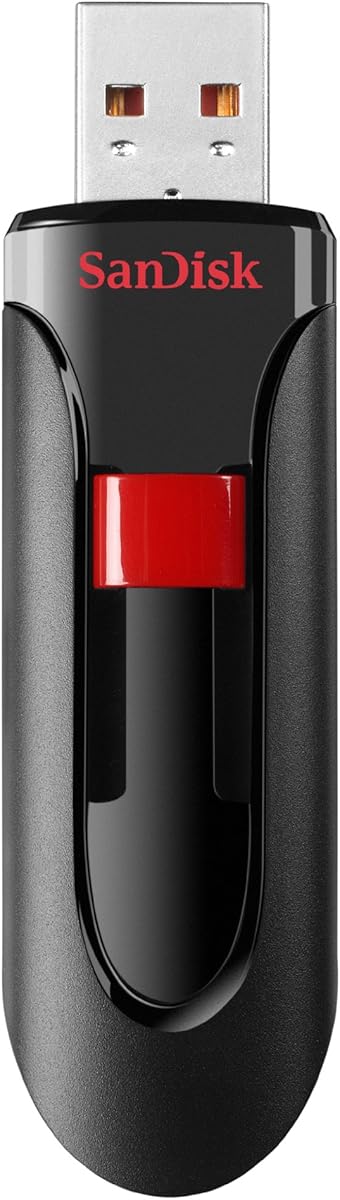
The SanDisk Cruzer Glide features a retractable design that protects the connector without a loose cap. With a 4.7 rating it combines convenience with reliable storage for everyday tasks.
We may earn a commission when you buy through this link, at no additional cost to you.
The 128GB capacity provides ample space for photos and documents while the retractable mechanism ensures port safety. Security software adds essential privacy for sensitive business or personal files.
While USB 2.0 speeds are slower than modern standards the drive remains fast enough for typical document transfers. The metal body offers better durability than plastic alternatives common in this category.
This drive is well suited for users who prefer a durable no fuss storage device. Its balance of capacity and convenience makes it a practical choice for school or work.
Avoid losing caps with a retractable design that shields the connector when not in use.
Control access to your data using included password protection and encryption tools.
We may earn a commission when you buy through this link, at no additional cost to you.
The SanDisk Ultra 32GB provides compact portable storage with modern USB 3.0 speeds. Rated at 4.7 stars it delivers reliable performance for quick file transfers and backups.
We may earn a commission when you buy through this link, at no additional cost to you.
With speeds up to 80MB/s it outperforms many USB 2.0 drives while maintaining a tiny profile. The five year warranty signals high confidence in durability and long term reliability.
Although 32GB limits large media storage it is perfect for essential documents and software installers. The SecureAccess software ensures your files remain private on shared devices.
This drive is ideal for users who need a fast small drive for critical files. Its proven track record and warranty make it a safe choice for daily use.
Enjoy quick data access in a small form factor that fits anywhere you go.
Benefit from extensive warranty coverage that ensures peace of mind for years.
We may earn a commission when you buy through this link, at no additional cost to you.
Selecting the right flash drive involves evaluating several technical and practical factors to ensure compatibility and performance with your HP laptop.
Storage capacity determines how much data you can carry on the drive. Choose larger capacities like 128GB or 256GB if you handle videos and images but smaller ones suffice for documents.
Match the drive size to your typical file needs to avoid paying for unused space or running out of room.
Modern HP laptops may have USB-C or USB-A ports. Ensure the drive matches your laptop's available ports or consider dual connectors for maximum versatility.
USB 3.0 or higher interfaces provide significantly faster transfer speeds compared to older USB 2.0 standards.
Read and write speeds affect how quickly files move to and from the drive. Look for models with read speeds above 100MB/s for smooth media file handling.
Higher write speeds are essential for frequent backups or large project transfers to save time.
Durable materials like metal or reinforced plastic protect the drive from physical damage during travel. Swivel or retractable designs prevent cap loss and connector damage.
A sturdy build extends the lifespan of the drive especially when used daily in various environments.
Security options like password protection and encryption protect sensitive data from unauthorized access. Many drives include software tools to manage file privacy effectively.
Choose drives with strong encryption standards if you store confidential business or personal information.
A robust warranty indicates manufacturer confidence and provides protection against defects. Most reputable brands offer between two to five years of limited warranty coverage.
Check customer support options to ensure you can resolve issues quickly if the drive fails unexpectedly.
Ensure the drive works seamlessly with your Windows or macOS system. Most drives are plug and play but some software features may require specific OS support.
Verify compatibility details before purchase to avoid needing extra drivers or configuration steps.
Compact drives are easier to carry daily and less likely to get lost in a bag. Lightweight models add minimal weight to your laptop bag or pocket.
Prioritize small form factors if you need to transport your drive frequently during work or travel.
To use your flash drive safely insert it firmly into an available USB port and wait for the system to recognize it. Once visible in File Explorer or Finder you can drag and drop files to transfer data.
Always use the Safely Remove Hardware feature before unplugging the drive to prevent data corruption or loss. This ensures all write operations complete properly before physical disconnection occurs.
Keep your drive in a protective case when not in use to shield it from dust moisture and physical impacts. Avoid exposing it to extreme temperatures which can degrade internal components over time.
Most HP laptops use standard USB-A or USB-C ports so choose a drive matching your specific model. USB 3.0 or higher drives ensure fast performance for modern HP systems.
Yes most flash drives work on both Windows and macOS out of the box. Some security software may require extra setup on Mac systems but basic storage works universally.
Use built-in encryption tools or third party software to password protect sensitive files. Many drives include dedicated security apps that encrypt data automatically.
Flash drives keep data offline which avoids cloud risks but they are vulnerable to loss or damage. Use both methods together for balanced security and backup redundancy.
Select capacity based on your typical file size. 64GB to 128GB suits most students and office work while 256GB is better for video or large datasets.
Quality flash drives can last several years with normal use. Proper handling and safe ejection procedures help extend their operational lifespan significantly.
The SanDisk Ultra Flair Lexar D40E and HP x900w lead our list for their balance of speed capacity and value. Each offers distinct advantages depending on your specific storage and connectivity needs.
Prioritize interface compatibility and transfer speeds when selecting a drive to ensure seamless integration with your HP laptop. Security features and build quality should also guide your final decision.
Always check current pricing and availability before purchase since product details may change over time. Investing in the right drive protects your data and simplifies your daily workflow.