
Brother Sublimation Printer
4.4Editor score
Compatible with Artspira app
Fast custom project speeds
Long lasting vibrant results
Finding the right fabric printing printer can transform your creative projects into professional results. Whether you need vibrant colors or quick turnaround times, these machines offer unique features for designers and hobbyists.
Our team evaluated ten top models based on print quality, speed, and ease of use. We considered sublimation and direct-to-film options to provide a comprehensive overview for your specific needs.
Each pick highlights key strengths and ideal use cases for different budgets. Please note that prices and availability may change, so verify current details before making your final purchase decision today.
4.4Editor score

4.9Editor score

As an Amazon Associate we earn from qualifying purchases.
This side-by-side comparison highlights the key specifications and capabilities of each model to help you identify the best fit for your printing needs and budget constraints.





The Brother PrintModa Studio Fabric Printer stands out for its ability to create vibrant custom banners and home decor with ease. This model focuses on integrating creative templates directly into the workflow, making it accessible for crafters who want professional results without complex design work.
We may earn a commission when you buy through this link, at no additional cost to you.
Artspira integration allows users to edit text elements and swap images within the app, which simplifies the creation process significantly. The wireless connectivity means you can design on your laptop and print directly to the machine using dual trays for paper and fabric rolls.
While the color modes offer vibrant options, the machine requires careful attention to paper selection for best results. Some users find the initial setup of the wireless connection and design software integration takes time to master effectively.
This printer is ideal for crafters seeking fast custom fabric prints with minimal prep. Its focus on templates and vibrant output makes it a strong choice for hobbyists looking to expand their creative home decor options today.
Choose between rich color printing and eco mode to match your design needs and material requirements.
Access photo frames, banners, and quilt blocks to simplify your design workflow instantly.
We may earn a commission when you buy through this link, at no additional cost to you.
This Brother Sublimation Printer offers an affordable entry point into creating custom DIY crafts like mugs and tumblers. Its integration with the Artspira app provides easy access to over 100 designs, making it simple for beginners to start creating personalized items quickly.
We may earn a commission when you buy through this link, at no additional cost to you.
The Brother Genuine Sublimation Ink ensures vibrant, long-lasting results on polyester-coated items. Once heat pressed, the colors activate to become rich and durable through multiple wash cycles, offering excellent value for small projects.
Users must purchase a heat press separately to complete the process, which adds to the initial setup time and cost. Additionally, sublimation works best on specific materials, so versatility is limited compared to other fabric printing methods.
For hobbyists focused on sublimation projects within a budget, this machine delivers consistent quality. It is a solid choice for those ready to invest in a full workflow for personalized gifts and accessories.
Melt ink into polyester items using heat and pressure for bright colors that resist washing.
Convert images into poster-style drawings and access designs for quick project creation.
We may earn a commission when you buy through this link, at no additional cost to you.
The DXZ 2026 14-inch A3 DTF Printer Bundle delivers professional results with its F1080 printhead and 24/7 auto-maintenance system. It supports a true 14-inch width for large transfers without splicing, making it ideal for scaling custom apparel businesses efficiently.
We may earn a commission when you buy through this link, at no additional cost to you.
Vacation-proof auto maintenance keeps printheads protected even during extended idle periods, ensuring reliability and reducing downtime significantly. The included two-year ink supply minimizes production costs and simplifies inventory management for regular users.
While the initial investment is higher, the automated features and wide fabric compatibility justify the cost for serious businesses. Users may need some technical knowledge to optimize the settings fully during the early stages.
This bundle is a top recommendation for entrepreneurs needing high-throughput, sharp transfers on diverse fabrics. Its combination of speed and reliability makes it a strong asset for growing custom apparel operations.
Achieve up to 500 mm/s speeds for higher daily throughput without sacrificing sharp details.
Print flawlessly on cotton, polyester, blends, and other materials with vivid, true-to-life colors.
We may earn a commission when you buy through this link, at no additional cost to you.
The InkSonic R1390 DTF Printer provides a wider 13-inch print width for custom apparel like T-shirts and tote bags. It includes a 3500ml premium ink supply and 24/7 technical guidance, which helps small businesses build confidence in their printing workflow.
We may earn a commission when you buy through this link, at no additional cost to you.
The 3-in-1 white ink protection system helps reduce pigment settling and keeps ink flowing smoothly. This design minimizes clogs and maintenance issues, making it more reliable for users who print less frequently.
While specific user reviews are not available, the extensive support and included consumables indicate a user-friendly experience. The need for initial setup and learning curves may challenge beginners without technical assistance.
This model suits custom apparel makers seeking robust support and a comprehensive startup kit. Its balance of quality and guidance makes it a compelling option for growing brands or home studios.
CISS ensures colors stay sharp and film feeding remains smooth throughout daily production runs.
Access one-on-one guidance and installation videos to build a smoother workflow quickly.
We may earn a commission when you buy through this link, at no additional cost to you.
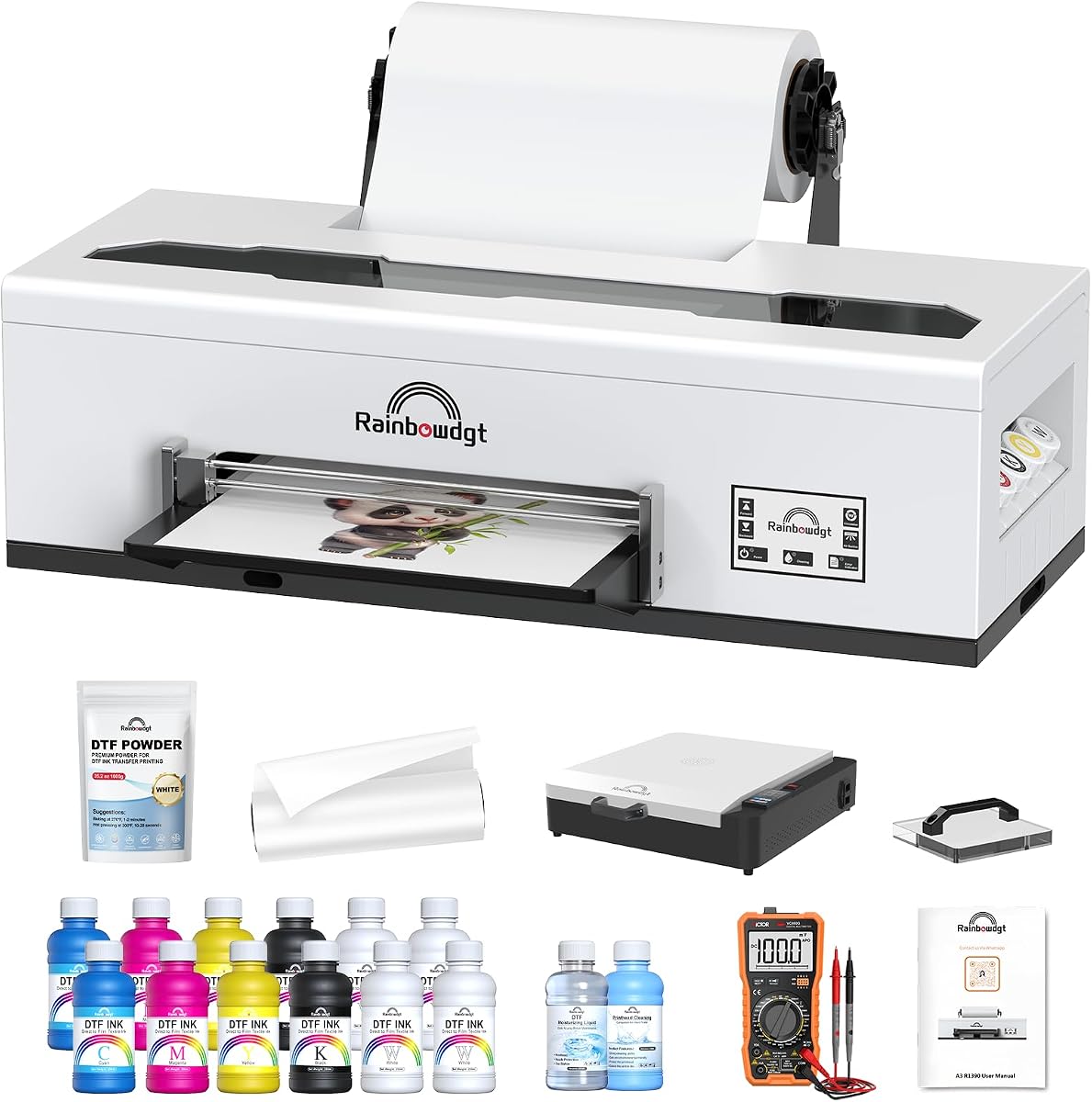
The RAINBOWDGT R1390 A3 DTF Printer Bundle offers a complete startup kit with an oven and essential supplies. Its 2880×1440 DPI resolution delivers photorealistic results, ensuring vivid, sharp details for custom apparel businesses seeking professional quality.
We may earn a commission when you buy through this link, at no additional cost to you.
Smart adsorption keeps film flat to prevent wrinkles while the integrated heating system cures ink instantly to prevent smudging. This setup ensures stable performance even during long idle periods thanks to advanced nozzle protection features.
Items may ship separately due to weight, so be prepared for multiple packages upon delivery. The two-year ink supply minimizes production costs, but users need a separate heat press for final transfers.
This bundle is excellent for entrepreneurs wanting a full launch setup in one purchase. Its high ratings and comprehensive features make it a reliable choice for consistent custom apparel production.
Deliver 100% true-to-image color reproduction for vivid, professional-grade transfers.
Support roll-to-roll printing to eliminate common paper jams and ensure smoother high-volume workflows.
We may earn a commission when you buy through this link, at no additional cost to you.
The Epson SureColor F170 Sublimation Printer Bundle features a PrecisionCore printhead for outstanding image clarity on market. It includes high-capacity ink bottles that provide consistent color saturation and a 150-sheet auto-feed tray for efficient production.
We may earn a commission when you buy through this link, at no additional cost to you.
Genuine Epson dye-sublimation ink ensures extraordinary color contrast and reliable output over time. The closed tray design keeps paper dust-resistant, leading to cleaner prints with less preparation for professional transfers.
Users must note that once ink is loaded, the item cannot be returned due to leak risks. Additionally, it supports Wi-Fi and USB but does not work with direct email or camera connections directly.
This model is ideal for businesses needing consistent sublimation transfers with minimal downtime. Its high capacity and reliable design make it a strong choice for professional sublimation workflows.
Offers Precision Droplet Control for the most outstanding image clarity available on the market.
Auto-stop bottles provide economic solutions and save money with every drop of sublimation ink.
We may earn a commission when you buy through this link, at no additional cost to you.
The Spark F13 A3 DTF Printer brings 13-inch printing into a workflow designed for home studios and small custom apparel shops. It allows creators to handle real customer work without needing complex commercial setups or garment pretreatment.
We may earn a commission when you buy through this link, at no additional cost to you.
G7-certified color performance keeps colors closer to the original design while a dense white underbase helps vivid colors stand out on dark garments. Simple controls make daily functions like white ink circulation easy to access and manage.
Routine maintenance remains necessary, though 12-hour auto cleaning helps limit clogs during downtime. Users should expect to follow guidelines carefully to protect the platen and printhead components effectively.
This printer suits home-based sellers needing flexibility and lower long-term ownership costs. Its design balances professional output with manageable maintenance for independent creators.
Reduced ongoing costs through auto cleaning and replacement parts eligibility during coverage.
Keep daily functions easy to access without hiding routine maintenance requirements.
We may earn a commission when you buy through this link, at no additional cost to you.
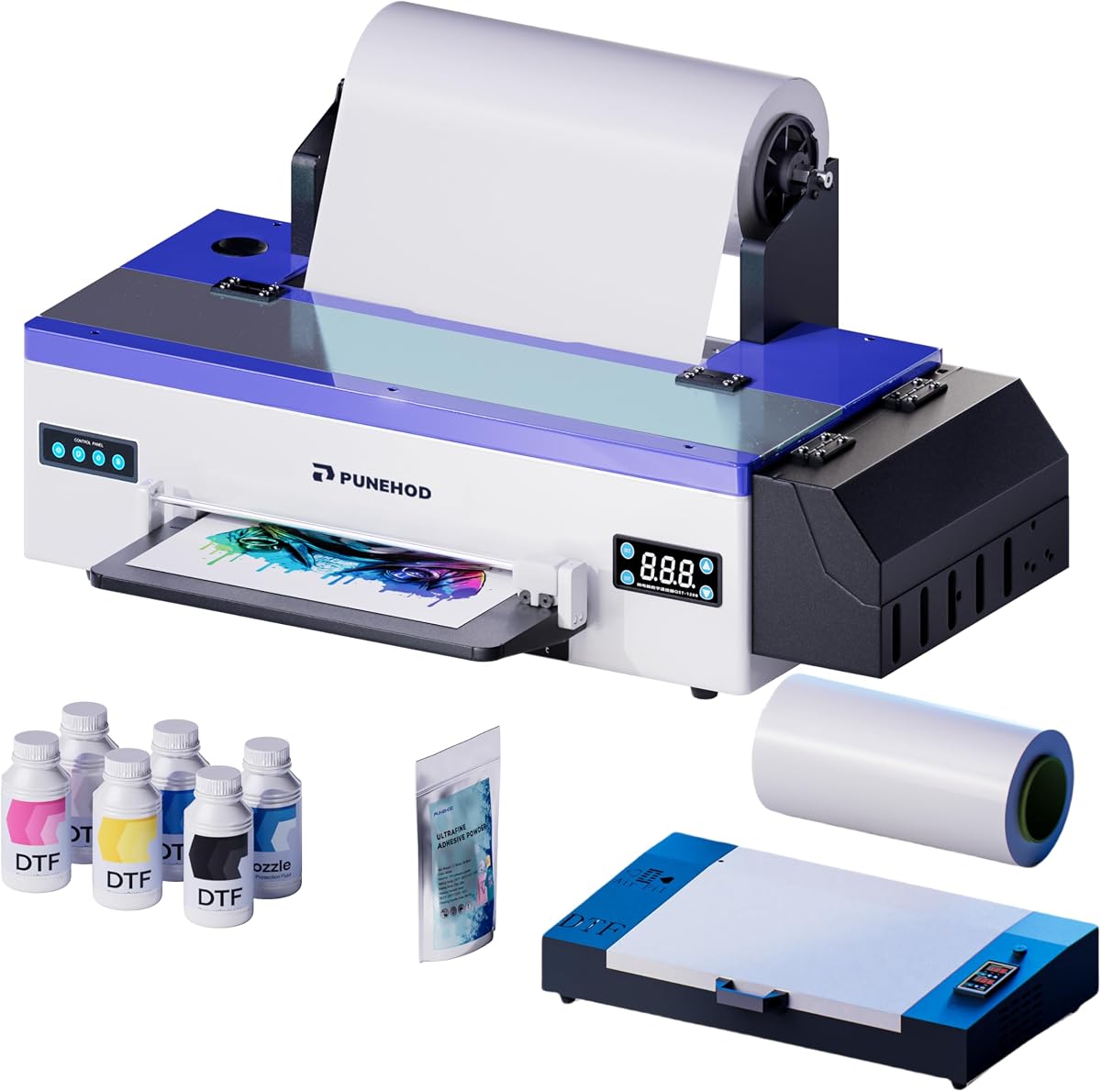
The PUNEHOD A3 L1800 DTF Printer package includes all supplies to launch your custom apparel business right away. It supports continuous long film printing and precise automatic cutting, reducing DTF film waste by 30 percent compared to flat sheet printers.
We may earn a commission when you buy through this link, at no additional cost to you.
An upgraded roll DTF printing system with a built-in automatic cutter improves working efficiency. The advanced white ink system keeps pigment evenly mixed and ensures consistent solid white layers on all fabrics without frequent nozzle clogging issues.
The printer and ink will be shipped in separate packages to avoid leakage, which requires coordination upon arrival. While versatile, the setup may involve learning curves for roll feeding and software configuration.
This kit is perfect for those seeking versatility and efficiency in home or commercial printing. Its waste reduction and all-in-one nature make it a cost-effective choice for growing businesses.
Roll to roll design cuts DTF film waste by 30 percent compared with flat sheet printers.
Built-in agitation and circulation eliminate frequent clogging and extend print head service life.
We may earn a commission when you buy through this link, at no additional cost to you.
EQ Printables Inkjet Fabric Sheets offer a simple way to create custom items using a standard inkjet printer. These sheets allow users to become fabric designers instantly by scanning photos or text onto them.
We may earn a commission when you buy through this link, at no additional cost to you.
The sheets produce sharp, photo-quality images with a soft fabric feel that never feels rubbery. This makes them suitable for small projects like custom gifts or personalized decorations for home use.
They require a standard inkjet printer and basic scissors, which limits large-scale production. The pack contains six sheets, which is ideal for occasional use but not for high-volume manufacturing needs.
This option is best for hobbyists wanting quick results without specialized equipment. Its ease of use makes it a popular choice for simple DIY fabric projects.
Become a fabric designer as you scan in photos, flowers, or love letters instantly.
Print sharp images onto soft fabric sheets that maintain a comfortable touch.
We may earn a commission when you buy through this link, at no additional cost to you.
TransOurDream Upgraded Iron on Heat Transfer Paper provides a budget-friendly solution for light fabric transfers. The 2nd Generation paper features a lower melting point and extreme bright durability for DIY gifts and custom items.
We may earn a commission when you buy through this link, at no additional cost to you.
No mirror printing is required, which simplifies the design process significantly. The included Teflon paper ensures easy ironing, and step-by-step instructions are provided on the cover paper for user reference.
Users must ensure they use inkjet printers with pigment or dye ink, avoiding sublimation ink entirely. The application is limited to light or white color cotton fabrics, restricting use on dark materials.
This paper is ideal for occasional users seeking reliable results with minimal setup. Its ease of use and clear instructions make it a solid choice for home crafters and gift makers.
Print and cut, then peel and place the image facing upward for a smooth transfer process.
Requires pigment or dye ink for inkjet printers and avoid sublimation ink entirely.
We may earn a commission when you buy through this link, at no additional cost to you.
Selecting the right fabric printing printer depends on your budget, desired quality, and project volume. Consider these key factors before making a purchase decision.
Choose between sublimation and direct-to-film (DTF) based on material needs. Sublimation works best on polyester, while DTF handles cotton and blends effectively.
Verify which technology suits your target audience and product types to ensure compatibility.
Look for a printer with a width that accommodates your largest design needs. Standard 13-inch models suffice for many T-shirts, while wider 14-inch options offer more flexibility.
Selecting the right width prevents the need for splicing transfers and ensures professional output.
Check for automatic maintenance features like white ink circulation to reduce clogs and downtime. Regular upkeep is crucial for printhead longevity and consistent color output.
Prioritize models with auto-cleaning systems if you plan to print infrequently or need reliability.
Ensure the printer supports high-capacity ink systems or includes sufficient supplies in the bundle. Running costs often depend on the availability and pricing of replacement inks.
Opt for bundles with multi-year ink supplies to minimize initial expenses and streamline inventory.
Verify compatibility with design software like Artspira for seamless workflow. User-friendly interfaces reduce learning curves and improve efficiency during creation.
Choose printers offering robust app support to simplify editing and printing processes for users.
Look for manufacturers offering 24/7 technical assistance and detailed setup guides. Professional after-sales service can be vital for resolving installation or operational issues quickly.
Confirm warranty coverage on non-consumable parts to protect your investment from potential defects.
Balance upfront costs with long-term operational expenses like ink and maintenance. Entry-level models may save money initially but lack durability or advanced features.
Evaluate total cost of ownership to ensure the printer delivers value over time for your business.
Check for wireless connectivity to enable printing directly from laptops or mobile devices. Modern interfaces enhance convenience and allow for remote design transfers.
Ensure the printer supports your preferred connection methods for a smoother integration with your setup.
Begin by installing all components according to the manufacturer's manual. Ensure the printer is placed on a stable, flat surface away from direct sunlight to prevent ink fading and overheating.
Regularly run maintenance cycles, especially for white ink models, to prevent clogging. Keep the printhead moisturized and clean nozzles as recommended by the software or hardware settings.
Store ink and consumables in a cool, dry environment to maintain quality and longevity. Always follow specific heating or pressing instructions for your material type to ensure durable, vibrant results.
For beginners, models like the Brother Sublimation Printer or EQ Printables Inkjet Sheets are great starting points. They offer ease of use and do not require complex setup or expensive equipment.
Standard sublimation works best on polyester or polyester-coated items. For cotton, consider using direct-to-film (DTF) printers or specific sublimation transfer papers designed for cotton fabrics.
Maintenance frequency depends on usage, but running cleaning cycles every few days helps prevent clogs. Auto-maintenance features on advanced models can handle much of this task automatically.
With proper care, a quality fabric printer can last several years. Printheads may need replacement over time, but regular maintenance significantly extends the overall device lifespan.
Sublimation printers require a heat press to transfer designs. Some DTF models include curing ovens, but a separate press may still be needed for certain applications.
Use genuine sublimation ink for sublimation printers and specialized DTF ink for direct-to-film models. Mixing inks can damage printheads and reduce print quality significantly.
Most modern fabric printers support both Windows and macOS. Check specific software compatibility before purchasing to ensure seamless integration with your existing setup.
Use high-quality ink and follow curing instructions carefully. Proper washing and storage of printed items also help maintain color vibrancy and durability over time.
We explored ten versatile options for fabric printing, from sublimation machines to advanced DTF bundles. Each model offers distinct benefits for hobbyists and professionals seeking quality custom apparel or decor.
Prioritize features like print width, ink supply, and maintenance needs based on your specific project goals. The DXZ bundle and Brother models stand out for reliability and ease of use respectively.
Prices and availability may vary, so review current listings before purchasing. With the right choice, your creative vision can transform into vibrant, long-lasting fabric prints effortlessly.