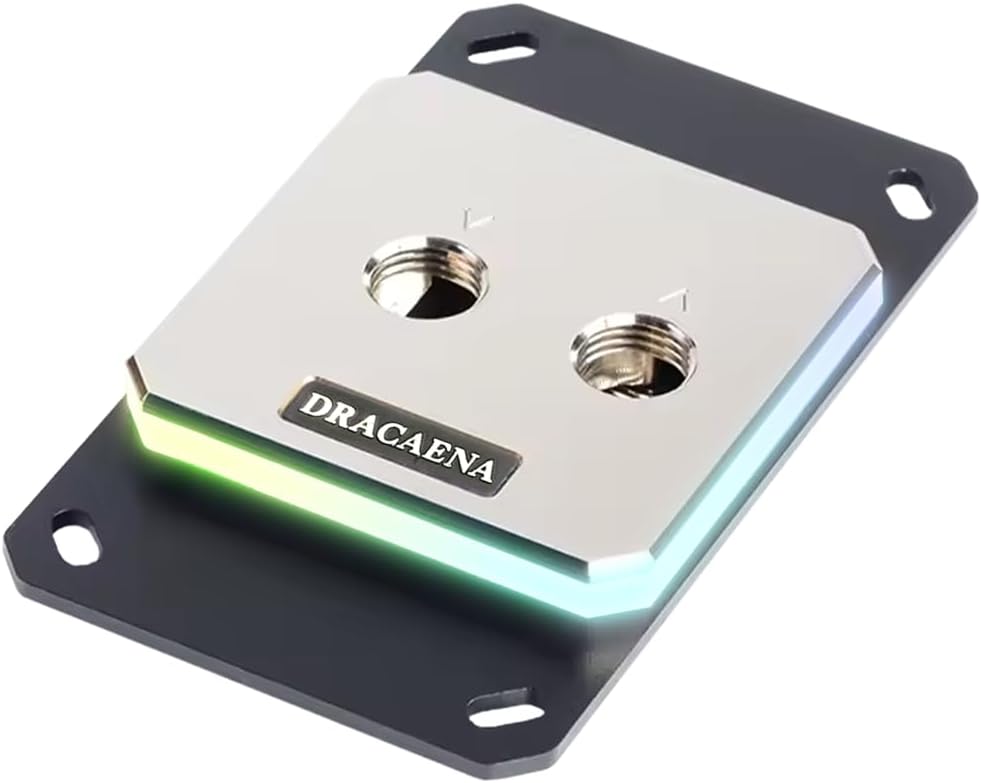
Dracaena.io CPU Water Block for AM5/AM4
4.6Editor score
Full copper internal channels
5V ARGB sync support
Complete installation kit included
CPU water blocks are essential components for high-performance liquid cooling systems designed to dissipate heat from processors efficiently. They replace traditional air coolers with direct coolant contact to achieve lower temperatures under heavy loads. A good water block combines optimized internal geometry with durable materials to ensure long-term reliability and consistent thermal performance.
We compared leading models from renowned manufacturers like EKWB, Corsair, Alphacool, and others based on cooling efficiency, build quality, and aesthetic customization. Each product was evaluated for socket compatibility, microfin density, and additional features such as RGB lighting or integrated displays. This list covers options for various budgets and build requirements.
Each pick highlights specific strengths like budget value, premium aesthetics, or maximum thermal transfer. You will find detailed reviews explaining why each model stands out in its category for custom loop enthusiasts. Please note that product availability and pricing can change frequently so verify details before purchasing.
4.6Editor score

4.6Editor score

3.6Editor score
As an Amazon Associate we earn from qualifying purchases.
The following table provides a side by side overview of all ten selected water blocks comparing key specifications and compatibility details.




The EKWB EK-Quantum Velocity 3 stands out as the top choice for serious enthusiasts seeking maximum thermal efficiency. With a rating of 4.6 stars it delivers exceptional cooling for demanding workloads on modern processors. Its optimized internal geometry ensures heat is extracted quickly from the CPU die.
We may earn a commission when you buy through this link, at no additional cost to you.
Key strengths include a nickel plated copper cold plate that offers superior thermal conductivity compared to aluminum alternatives. The design achieves up to 2 degrees Celsius improvement over the predecessor Velocity 2 model. Precision mounting pressure further enhances contact and heat transfer efficiency across the entire surface.
While the price is higher than budget options this block is an investment in peak performance and longevity. The premium materials and engineering justify the cost for users pushing their CPUs to limits. You may need to budget for a full custom loop to utilize it effectively.
This water block is ideal for builders prioritizing thermal performance above all else in their rig. If you need top tier cooling for overclocking or intensive rendering tasks this is the recommended pick. Its compatibility with AM5 and Intel 1700/1851 ensures future proofing for current platforms.
The internal geometry optimization allows coolant to flow more effectively across the base plate reducing hot spots.
Support for LGA 1700 and1851 and AM5 makes it versatile for both Intel and AMD latest generation builds.
We may earn a commission when you buy through this link, at no additional cost to you.
The CORSAIR XC7 RGB Elite LCD brings a stunning visual element to custom loops with its integrated IPS screen. Rated 4.1 stars it allows users to display real-time temperatures or animated images directly on the block. This feature transforms the water block into a focal point of the build.
We may earn a commission when you buy through this link, at no additional cost to you.
Its Hexa-Flow cooling engine mitigates laminar flow to ensure all CPU cores are cooled evenly. The nickel plated copper cold plate with 120 micro-cooling fins supports maximum overclocking potential. USB-C connectivity simplifies installation and enables automatic setup with iCUE software.
However the focus on aesthetics means cooling performance is competitive but not the absolute best compared to pure performance blocks. The added electronics and display require careful planning in your loop and power management. It is best for those who value looks as much as function.
Choose this block if you want a unique build that showcases your personality through custom content. It works well with CORSAIR ecosystem components for seamless integration. Ensure your loop has space for the connectors and power requirements before committing.
The 480×480 resolution screen allows high quality images and GIFs to be shown directly on the block.
USB-C ports remove the need for separate controllers making initial setup easier for new users.
We may earn a commission when you buy through this link, at no additional cost to you.
The Dracaena.io CPU Water Block offers excellent value for AMD users needing efficient cooling without breaking the bank. With a 4.6 rating it provides full copper internal channels that maximize thermal conductivity throughout the block. This ensures rapid heat transfer from the processor to the coolant.
We may earn a commission when you buy through this link, at no additional cost to you.
It supports a vast range of AMD sockets including AM5 AM4 and older generations which makes it versatile for upgrades. The precision construction includes a 0.4mm microfin base plate for optimal heat dissipation. A complete kit with controller and backplate simplifies the installation process significantly.
While it lacks support for Intel sockets its narrow focus allows it to deliver strong performance at a lower cost. The 5V ARGB sync integrates well with most motherboards for lighting consistency. You may need to handle cable management carefully with the included controller.
This is the smart pick for budget builders who want solid cooling and reliable quality. It covers virtually every AMD platform so you can build today and upgrade later. The all-copper design ensures no corrosion issues if you stick to compatible coolants.
No aluminum is used in the water path ensuring consistent conductivity and resistance to galvanic corrosion.
Compatibility with AM3 and AM2 means this block works for older legacy systems as well as new ones.
We may earn a commission when you buy through this link, at no additional cost to you.
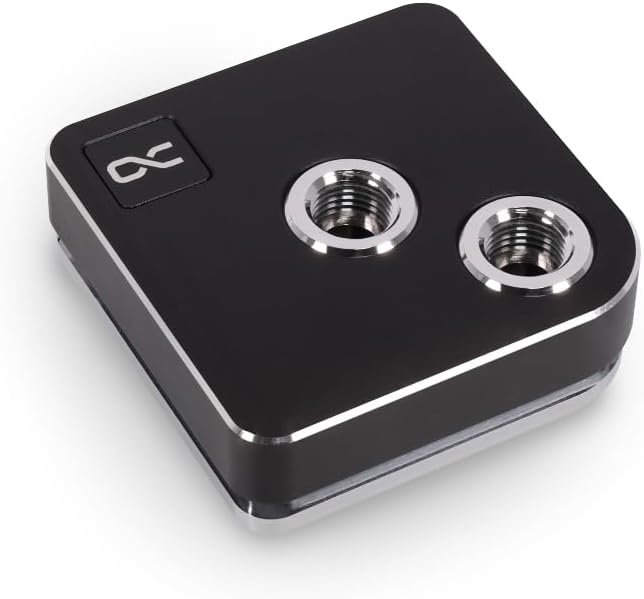
The Alphacool Core 1 provides a reliable solution for both Intel and AMD platforms with a focus on core cooling efficiency. Rated 4.6 stars it uses standard materials to ensure consistent heat transfer without unnecessary bells and whistles. This simplicity can be appealing for functional builds.
We may earn a commission when you buy through this link, at no additional cost to you.
It supports LGA 1700 and AM4/AM5 ensuring it fits the current generation of processors comfortably. The black finish offers a sleek look that blends well in dark chassis or builds. Its dimensions are designed to clear most RAM modules and motherboard headers easily.
Lack of integrated RGB or display options means it relies on external components for lighting effects. This keeps the cost moderate but reduces the visual impact compared to more feature-rich competitors. It remains a strong performer for thermal needs regardless of these cosmetic choices.
Buy this if you need a straightforward block that works out of the box for standard loops. It suits users who prioritize function over flashy aesthetics in their custom cooling setup. Ensure you have the necessary mounting hardware for your specific motherboard.
Designed to work with multiple modern socket types so it adapts to various system configurations.
The black coating prevents fingerprints and maintains a clean appearance throughout the lifetime of the block.
We may earn a commission when you buy through this link, at no additional cost to you.
This generic copper cooling block is a practical choice for older systems needing basic water cooling capabilities. With a 4.2 rating it provides a large water contact area to carry heat from the CPU quickly. It covers a wide range of legacy sockets like 1155 and AM3.
We may earn a commission when you buy through this link, at no additional cost to you.
The 50mm copper base helps absorb heat effectively for budget-conscious upgrades of vintage hardware. Chrome plated copper faucets allow standard tubing connections for easy integration into a simple loop. The accessory kit includes screws to secure the block properly to the motherboard.
Performance is functional but not comparable to modern microfin designs optimized for high TDP processors. There are no RGB lights or smart features to enhance the build aesthetic visually. This makes it purely a functional component rather than an attention getter.
It is best suited for retro builds or secondary machines where top tier cooling is not critical. The price point allows for water cooling without a major investment in custom parts. Verify your specific socket type before purchasing to ensure proper fit.
The internal water channel design prioritizes simplicity over complex flow paths for lower cost.
Support for older standards like Intel 775 and AM2 makes it unique for older system restoration.
We may earn a commission when you buy through this link, at no additional cost to you.
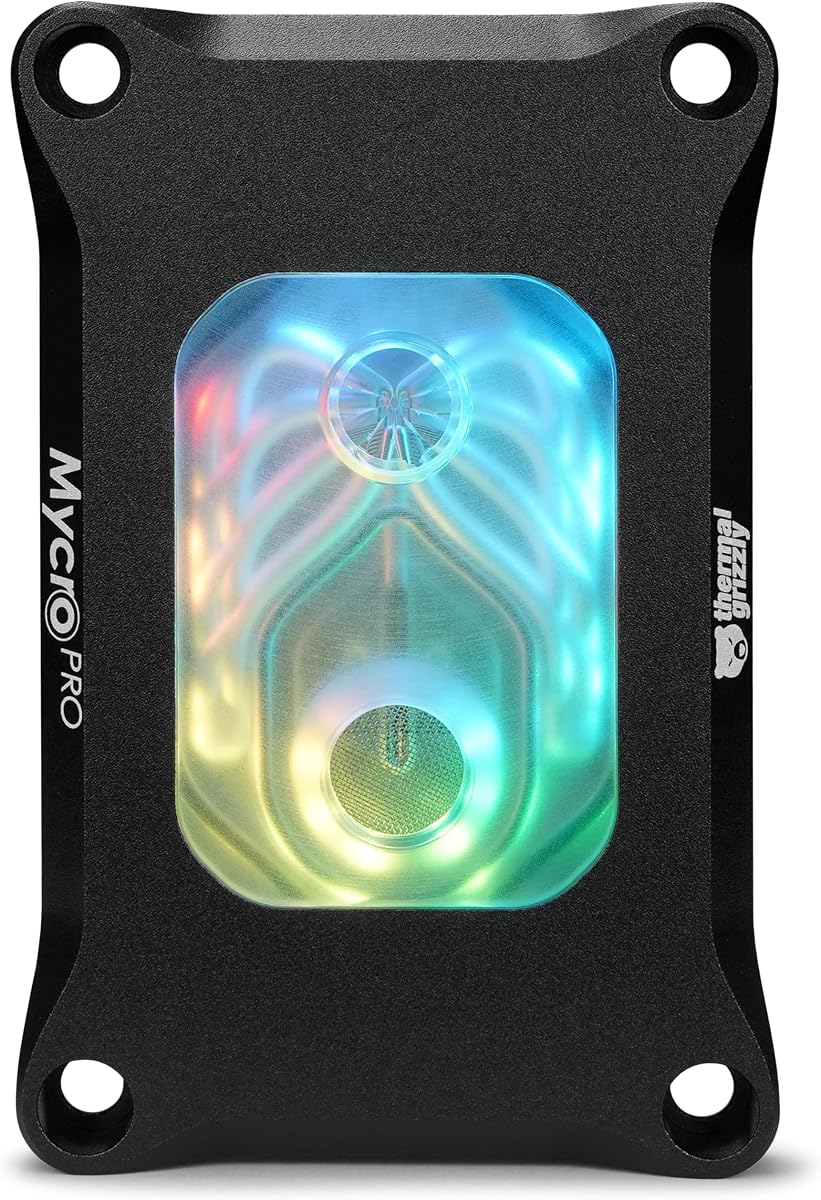
The Thermal Grizzly Mycro Pro RGB is engineered for custom loops requiring high efficiency heat dissipation on AMD processors. Rated 4.6 stars it features precision machined nickel plated copper with 0.2 mm microfins for maximum surface area. This allows coolant to capture heat rapidly under sustained load.
We may earn a commission when you buy through this link, at no additional cost to you.
An integrated fine mesh filter helps trap particles ensuring consistent flow through the microfin structure. This prevents clogs and maintains performance over time without frequent maintenance or cleaning. The G1/4 threads standardize compatibility with other components in your existing loop setup.
While it is optimized for AMD AM5 and AM4 it does not offer Intel socket support. The RGB window adds illumination without requiring extensive wiring or controller setups. This balance of features keeps it versatile for many loop configurations.
Choose this block if you want maximum thermal efficiency for AMD Ryzen processors in a custom build. The filter protection adds peace of mind for long-term operation reliability. Ensure your pump provides adequate pressure for the fine microfin resistance.
The 0.2 mm structure increases surface area significantly for better heat exchange between copper and coolant.
The inlet filter protects the delicate internal channels from debris that could reduce cooling efficiency.
We may earn a commission when you buy through this link, at no additional cost to you.
The TRYX Panorama WB offers a truly unique visual experience with a curved 6.67 inch AMOLED screen on the CPU block. Rated 3.6 stars it brings immersive visual effects to the build that standard LCDs cannot match. The 60Hz refresh rate ensures smooth content playback on the display.
We may earn a commission when you buy through this link, at no additional cost to you.
GIPHY availability allows users to access thousands of GIFs without manual downloading via the KANALI software. The water block is built on Asetek Gen8 V2 thermal architecture with a microchannel copper cold plate. An included PWM VRM fan cools voltage regulators to support overclocking workloads.
The integration of complex features leads to a more varied user experience which may require setup time. Some users might find the software dependency cumbersome compared to simpler blocks. The 3-year display warranty helps cover potential risks with the integrated screen.
This block is for those who prioritize stunning visuals and unique customization in their PC build. It covers many Intel and AMD sockets making it versatile despite the specialized design. Ensure your case has space for the curved screen and fan attachments.
The 2K AMOLED curved screen creates anamorphic visual effects that stand out from flat panels.
The built-in fan actively cools motherboard voltage regulators during heavy loads to prevent throttling.
We may earn a commission when you buy through this link, at no additional cost to you.
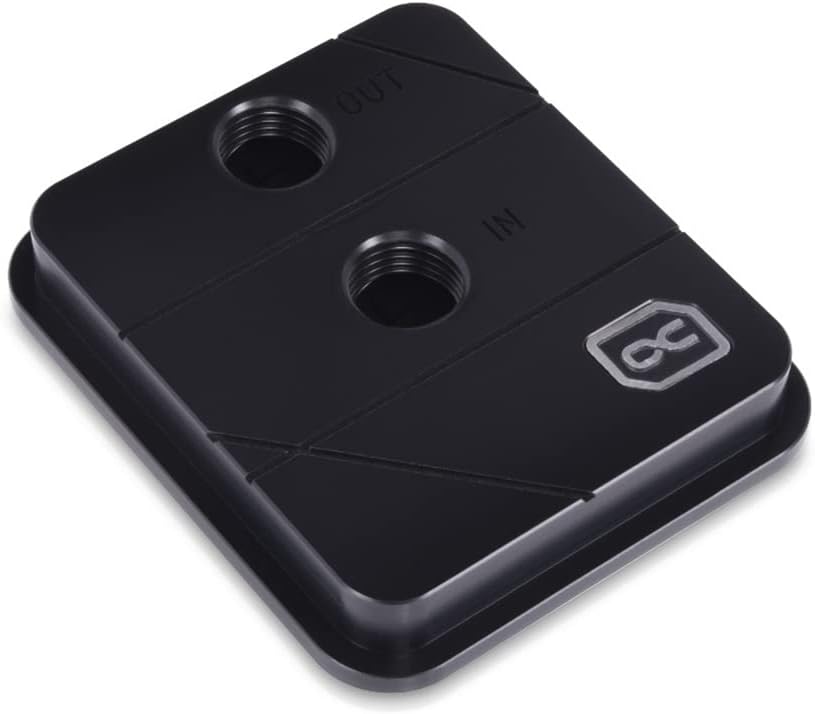
The Alphacool Core XP3 delivers a compact and efficient solution for custom loops needing reliable cooling. Rated 4.4 stars it uses nickel plated copper for the cooler material to ensure effective heat transfer. The acetal body material adds durability and resistance to wear over time.
We may earn a commission when you buy through this link, at no additional cost to you.
Its dimensions are optimized to fit tight spaces or boards with dense component layouts. The 2 x G1/4 inch threads standardize connections to other tubing and fittings. This allows for easy integration into various loop configurations without needing adapters or extensions.
The block lacks built-in RGB lighting so you must rely on external sources for aesthetic effects. It focuses on thermal functionality rather than additional features or complex wiring setups. This simplicity reduces the cost and potential points of failure in your loop.
Pick this block for small form factor builds or budget builds where space is limited. Its solid performance ensures the CPU stays cool under normal usage and gaming loads. Check that your motherboard allows enough clearance for the dimensions and mounting.
The compact dimensions allow it to fit into tight case layouts without blocking other components.
G1/4 ports ensure it connects seamlessly with most existing liquid cooling components and hoses.
We may earn a commission when you buy through this link, at no additional cost to you.
The CORSAIR iCUE Link XC7 RGB Elite brings modern connectivity to liquid cooling with its patent pending ecosystem. Rated 4.1 stars it uses universal connectors to daisy-chain components for a cleaner build. The transparent flow chamber allows you to see coolant movement clearly during operation.
We may earn a commission when you buy through this link, at no additional cost to you.
The Hexa-Flow cooling engine ensures even cooling across CPU cores which benefits multi-chip package CPUs. A built-in cold plate temperature sensor enables precise control via iCUE software. This adds a level of intelligence to your thermal management that standard blocks lack.
The iCUE LINK hub is sold separately which means you need additional purchases to realize the full benefits. This ecosystem dependency might not suit users who prefer open standard connectivity. However the reduction in cable clutter and setup time is significant.
Choose this block if you are already invested in the CORSAIR ecosystem for your build. It makes integration simpler and enhances visual clarity with the transparent chamber. Verify you have the hub to ensure the smart features function as intended.
The built-in sensor sends temperature data directly to software for dynamic fan and pump adjustments.
Universal connectors reduce cable clutter significantly by allowing daisy-chain setups across components.
We may earn a commission when you buy through this link, at no additional cost to you.
The Alphacool Core 1 LT features an acrylic finish that allows for a translucent look in your liquid cooling loop. Rated 4.1 stars it supports Intel LGA 1700 and AMD AM4/AM5 ensuring broad modern compatibility. Digital RGB lighting integrates into the block for vibrant color customization options.
We may earn a commission when you buy through this link, at no additional cost to you.
The acrylic body material offers a unique visual style compared to standard metal blocks. It is designed to handle standard working temperatures effectively for most consumer processors. The dimensions are similar to the Core 1 providing consistent fit for many boards.
Acrylic materials may be more prone to scratching than metal so handling requires extra care. It lacks advanced cooling features like specialized flow engines or integrated sensors found in other premium blocks. This keeps it focused on aesthetics and basic performance needs.
This is a great choice if you prioritize a clean translucent look with RGB integration. It provides a good balance of cooling capability and style for typical gaming or work systems. Ensure you handle the acrylic carefully during installation to avoid surface scratches.
The acrylic material allows light to pass through creating a soft glow effect from internal lighting.
Support for LGA 1700 and AM5 means it works with most new processors without adapters.
We may earn a commission when you buy through this link, at no additional cost to you.
Selecting the right water block requires balancing cooling performance socket compatibility and aesthetic preferences.
Ensure the water block explicitly lists support for your CPU socket type like LGA 1700 or AM5. Modern blocks may cover multiple sockets but older ones could require adapters or may not fit at all.
Always verify the mounting bracket options included in the package to confirm they match your motherboard configuration.
Look for features like microfin density and cold plate material that directly impact heat transfer efficiency. Copper cold plates generally provide better conductivity than aluminum for demanding workloads.
Prioritize blocks with optimized internal geometry if you plan to overclock your processor or run sustained loads.
Choose materials that resist corrosion such as nickel plated copper or all-copper loops to ensure longevity. Mixing incompatible metals can lead to galvanic corrosion over time which damages components.
Acrylic bodies may offer a unique look but require careful handling to avoid scratches or cracks during installation.
Decide if you want integrated RGB or external lighting solutions for your build aesthetic. Addressable RGB LEDs can sync with your motherboard for a unified look across components.
Check if the block needs a dedicated controller or if it supports standard 5V headers directly.
Premium blocks with integrated screens offer customization but add complexity and cost to your setup. Ensure you have the necessary software and ports to run the display correctly.
Consider if viewing real-time data on the block itself adds value to your workflow or builds.
Verify that the block uses standard G1/4 fittings so it connects easily with your existing tubing and reservoir. Some designs may require specific adapters which can restrict flow if not chosen properly.
Ensure the dimensions fit within your case and do not block other components like RAM or VRMs.
Check the manufacturer warranty length and what it covers including parts and potential leaks. Reputable brands often provide multi-year coverage for peace of mind in custom loops.
Look for companies with active support communities to help with troubleshooting issues during setup.
Balance the cost against your performance needs since high-end features like screens or advanced fins increase price. Basic blocks can still deliver great cooling for standard tasks without extra features.
Factor in the cost of additional items like tubing connectors and coolants when planning your total budget.
Before installing the water block thoroughly clean the CPU surface and apply a high-quality thermal paste. Mount the block evenly to ensure full contact and avoid air pockets that reduce efficiency.
Flush your loop with distilled water after assembly to remove any debris from manufacturing or installation. Add coolant only after the loop has run for a few hours to check for leaks.
Regularly inspect the block and tubing for discoloration or buildup that might indicate corrosion. Keep the coolant level consistent and replace it every 6 to 12 months for best performance.
A CPU water block is a component designed to transfer heat from the processor to a liquid cooling loop. It replaces an air cooler by using coolant to absorb and dissipate heat more efficiently.
Yes most CPU water blocks are designed for custom liquid cooling setups with pumps and radiators. Some all-in-one systems have integrated blocks but separate units need loop components to function.
Nickel plated copper is generally preferred due to its high thermal conductivity and resistance to corrosion. Aluminum is lighter but can react with certain coolants so copper is safer for longevity.
Most RGB water blocks use standard 5V or 12V headers so they work with many modern boards. Check the connector type and your motherboard specs to ensure compatibility before purchasing.
Disconnect the block from the loop and flush it with distilled water to remove coolant residue. Use a soft brush to clear microfin areas and rinse thoroughly before reinstallation.
Leaks usually occur due to improper fitting or damaged O-rings. Ensure all connections are tight and check seals for wear before launching the system.
The EKWB EK-Quantum Velocity 3 leads in performance while the Dracaena.io block offers great value for AMD users. The TRYX Panorama stands out with its unique AMOLED display for those prioritizing aesthetics.
Prioritize socket compatibility and thermal needs when selecting a block to ensure it meets your specific requirements. Consider RGB or display features only if they enhance your build experience significantly.
Prices and availability fluctuate so check current listings before making a final purchase decision. Verify warranty terms and community support to maintain your cooling system for years to come.