
ASUS RT-AX1800S
4.3Editor score
WiFi 6 with OFDMA
AiProtection Classic Security
Four Gigabit LAN Ports
This expert guide compares the top ASUS WiFi Routers for home and business, evaluating speed, security, mesh capabilities, and performance for 2026.
Selecting the right wireless router is crucial for maintaining a stable and secure home network. ASUS offers a wide range of options from budget-friendly WiFi 6 models to high-performance WiFi 7 systems designed for gaming and smart homes.
We evaluated ten leading ASUS routers based on throughput, coverage, security features, and ease of use. Our analysis includes detailed specifications and real-world performance metrics to help you find the best fit for your specific connectivity needs.
Each product listing highlights key strengths and potential trade-offs to guide your decision. Please note that prices and availability fluctuate frequently, so verify current details before making a purchase to ensure you get the best value.
4.3Editor score

4.5Editor score

4.3Editor score
The following table provides a side-by-side comparison of all ten selected models. Review the specifications to understand the differences in speed, bands, security features, and port configurations across the ASUS lineup.
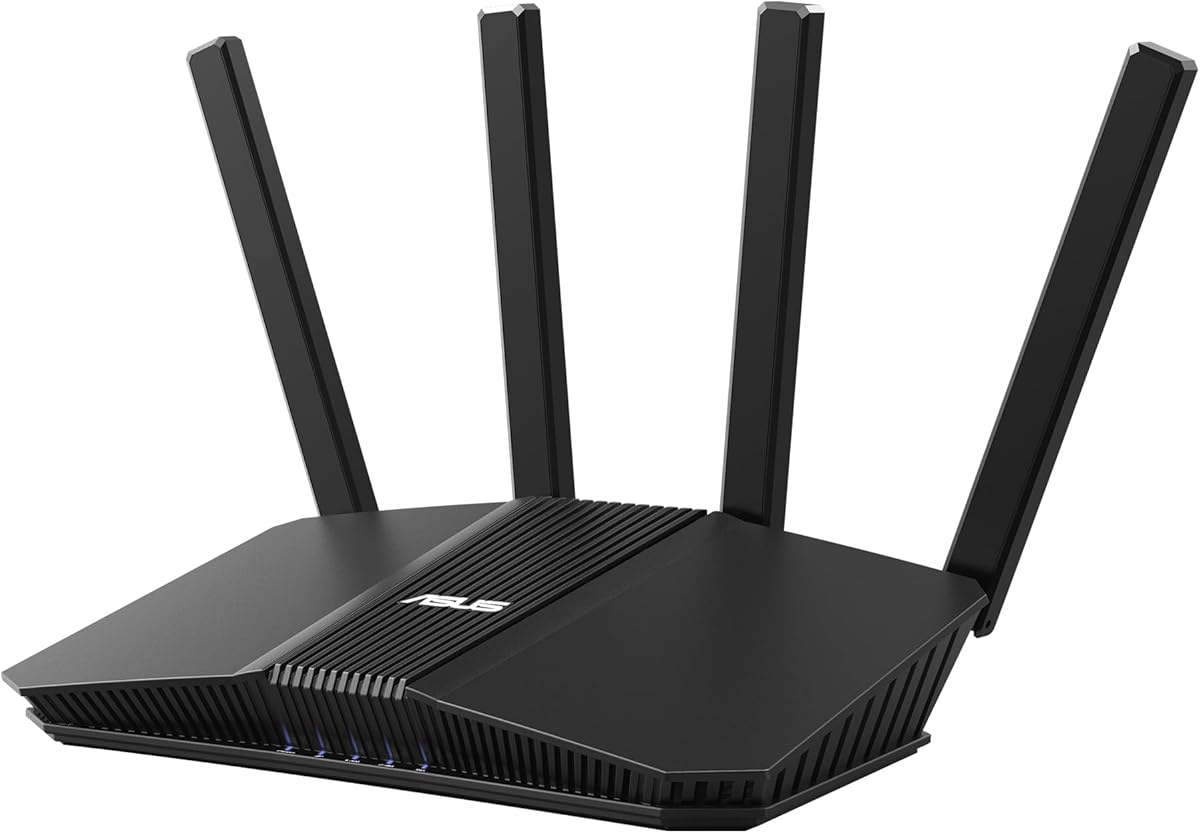




The ASUS RT-AX1800S is a solid entry point for users seeking modern WiFi 6 technology without breaking the bank. It scores a strong rating for its balance of speed and security features suitable for average households.
We may earn a commission when you buy through this link, at no additional cost to you.
This router supports OFDMA and MU-MIMO to handle multiple devices efficiently. It includes AiProtection Classic powered by Trend Micro to keep your network safe from malware and phishing attempts.
While it lacks the raw speed of newer models, it is sufficient for streaming and general browsing. Users might find the coverage limited in very large homes compared to mesh systems.
Ideal for small to medium homes needing reliable connectivity. It represents a smart investment for those upgrading from older AC routers to enjoy better efficiency.
AiProtection Classic provides lifetime protection against online threats for all connected devices.
OFDMA technology allows the router to communicate with multiple devices simultaneously reducing lag.
We may earn a commission when you buy through this link, at no additional cost to you.
The RT-BE58U brings WiFi 7 technology to the mainstream market with impressive speeds up to 3.6 Gbps. It is designed to be future-proof for users adopting new high-speed devices.
We may earn a commission when you buy through this link, at no additional cost to you.
It features Multi-link Operation to link multiple bands at once for stable connections. The Smart Home Master simplifies IoT management with up to three SSIDs for better network segmentation.
While the speed is exceptional it requires compatible devices to fully utilize the bandwidth. The price reflects the advanced hardware but justifies the investment for tech enthusiasts.
Best for early adopters wanting cutting edge performance. It ensures your network stays relevant as new WiFi 7 gadgets become more common.
Smart Home Master allows easy setup of distinct SSIDs for IoT devices separate from personal traffic.
AI WAN detection and USB tethering ensure you maintain connectivity even if the main line fails.
We may earn a commission when you buy through this link, at no additional cost to you.
This router is a beast designed for serious gamers and power users needing maximum performance. With speeds up to 30 Gbps it handles intense data loads without breaking a sweat.
We may earn a commission when you buy through this link, at no additional cost to you.
The Triple-Level Game Acceleration optimizes traffic from your PC to the game server. Dual 10G ports allow direct wired connections for ultra-fast data transfers and minimal latency.
The price is steep and it may be overkill for standard home use. However for those demanding the best possible gaming experience the investment is clearly justified.
Targeted at hardcore gamers and streamers. It ensures that no matter how many devices are connected the game traffic remains prioritized and smooth.
Dual 10G ports provide high-speed wired networking for devices needing maximum throughput.
Game Acceleration reduces ping by optimizing routing paths to game servers automatically.
We may earn a commission when you buy through this link, at no additional cost to you.
The RT-BE92U offers a balanced approach to WiFi 7 with tri-band speeds reaching up to 9.7 Gbps. It serves as a powerful middle ground between entry-level and extreme gaming models.
We may earn a commission when you buy through this link, at no additional cost to you.
Features like Multi-link Operation ensure stable connections even in congested wireless environments. Smart Home Master simplifies network management for IoT devices and parental controls.
Users should be aware that fully utilizing speeds requires compatible clients. It provides excellent value for those wanting modern tech without the top-tier price tag.
Recommended for families needing robust coverage and speed. It handles daily streaming and gaming with ease while maintaining a secure network environment.
Multi-link Operation allows simultaneous transmission across bands reducing congestion significantly.
AiProtection Pro offers commercial-grade security to keep all connected devices safe from threats.
We may earn a commission when you buy through this link, at no additional cost to you.
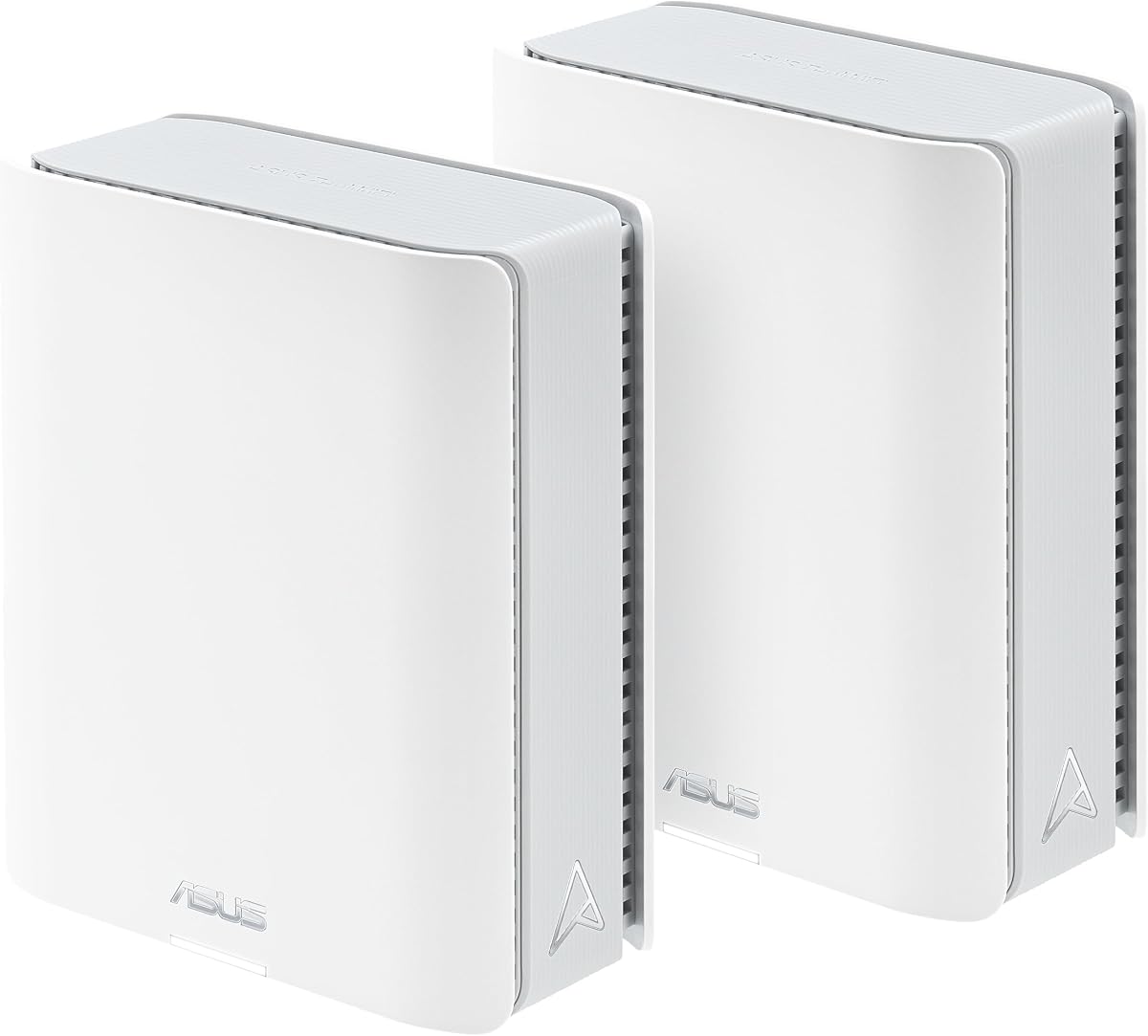
The ZenWiFi BT10 is a two-pack mesh system designed to cover up to 6,000 square feet. It uses WiFi 7 technology to ensure high-speed connectivity throughout large properties.
We may earn a commission when you buy through this link, at no additional cost to you.
Eight internal antennas and high-power modules eliminate dead zones effectively. The dual 10G ports support fast wired backhaul to maintain speed between nodes.
Some users report a lower rating due to initial setup complexities. However once configured it delivers robust performance for sprawling homes needing uniform coverage.
Ideal for large estates or multi-story homes. It ensures every room gets strong signal without the need for repeaters or extenders.
Two units provide seamless coverage up to 6000 sq ft ensuring no dead zones exist.
Dual 10G ports allow for ultra-fast wired connections between mesh nodes or devices.
We may earn a commission when you buy through this link, at no additional cost to you.
This gaming router stands out with its RGB lighting and solid performance. It offers AX5400 speeds which are sufficient for most gaming and streaming needs.
We may earn a commission when you buy through this link, at no additional cost to you.
Mobile Game Mode minimizes latency for mobile gaming apps. The dedicated gaming port ensures your console or PC gets priority bandwidth for lag-free sessions.
Being a renewed unit it may lack full warranty coverage compared to new models. However it provides excellent features for a fraction of the new cost.
Best for gamers wanting style and performance. It is a great choice for those who want to extend their network via AiMesh later.
Aura RGB allows you to customize lighting effects to match your gaming setup vibe.
Mobile Game Mode optimizes network traffic for smartphone gaming with a simple tap.
We may earn a commission when you buy through this link, at no additional cost to you.
The ZenWiFi BT8 brings WiFi 7 capabilities to a compact mesh unit. It covers up to 3,000 sq ft making it suitable for standard homes or apartments.
We may earn a commission when you buy through this link, at no additional cost to you.
With speeds up to 14 Gbps it handles heavy traffic loads effortlessly. The AI-powered mesh ensures devices switch seamlessly between nodes without dropping connection.
While one unit covers a lot expanding to larger homes requires additional units. It provides a sleek solution for those needing modern mesh reliability.
Recommended for small to medium homes needing modern tech. It simplifies network management with Smart Home Master for easy device segregation.
The small footprint allows easy placement anywhere without disrupting room aesthetics.
24/7 protection with AiProtection Pro keeps your home network safe from external threats.
We may earn a commission when you buy through this link, at no additional cost to you.
The RT-AX3000 is a top-rated model offering outstanding value for money. It delivers 3000 Mbps speeds with reliable performance for everyday tasks.
We may earn a commission when you buy through this link, at no additional cost to you.
Adaptive QoS helps prioritize gaming or streaming traffic automatically. The AiProtection Pro feature ensures your devices stay safe from malicious sites and malware.
While it lacks some advanced features of higher-end models it is reliable and effective. Most users will find it more than sufficient for modern smart homes.
Perfect for households seeking a reliable upgrade. It balances speed security and price better than most competitors in this range.
Adaptive QoS automatically prioritizes gaming traffic over file downloads for lag-free play.
AiProtection Pro offers lifetime free security powered by Trend Micro for all devices.
We may earn a commission when you buy through this link, at no additional cost to you.
Although an older model the RT-AC68U remains a powerful choice for users not needing latest WiFi 6 speeds. It delivers up to 1900 Mbps with consistent reliability.
We may earn a commission when you buy through this link, at no additional cost to you.
The 1GHz dual-core CPU enables smart multitasking for data and WiFi traffic. It features five gigabit ports allowing plenty of wired connections for devices.
While it lacks newer efficiency gains it is still capable for most streaming. Its longevity and support make it a safe choice for basic networking needs.
Best for those needing a sturdy router on a budget. It is reliable for standard home use without requiring the latest wireless standards.
A 1GHz dual-core processor ensures smooth multitasking between data and network traffic.
Five gigabit LAN ports provide ample space for wired devices like consoles or PCs.
We may earn a commission when you buy through this link, at no additional cost to you.
This router is tailored for small businesses needing professional network control. It supports custom guest portals allowing you to brand the login page with your company logo.
We may earn a commission when you buy through this link, at no additional cost to you.
Features like VLANs help separate guest and employee traffic for security. The ExpertWiFi app makes remote management straightforward for IT admins.
It may be too complex for standard home users. However for offices or retail spaces it offers necessary tools to manage connectivity securely.
Ideal for small businesses needing professional control. It provides the structure needed to keep business data safe while offering guest access.
Custom guest portals let you personalize the login page to match your business style.
VLAN support helps isolate guest traffic from your main business network effectively.
We may earn a commission when you buy through this link, at no additional cost to you.
Choosing the right router involves understanding your specific internet needs and home layout. Consider speed, range, security, and specialized features to match your usage.
Ensure the router supports the latest WiFi standard compatible with your devices. WiFi 6 offers better efficiency while WiFi 7 provides ultra-high speeds for future needs.
Match the router speed to your internet plan to avoid bottlenecks. Higher speeds are beneficial for 4K streaming and multiple connected devices.
Consider the size of your space. Small apartments may only need a single unit while large homes benefit from mesh systems for complete coverage.
Check the listed square footage and antenna design. External antennas often provide better range than internal ones.
Look for built-in security like AiProtection Pro powered by Trend Micro. This protects against malware and phishing without needing extra subscriptions.
Parental controls are essential for family use. Ensure the router allows you to schedule internet access and filter content.
If you plan to expand your network later choose a router compatible with AiMesh. This allows you to add nodes from different ASUS models easily.
Mesh systems provide seamless roaming across the home. Devices automatically switch to the strongest signal without manual intervention.
Gamers should look for Triple-Level Game Acceleration or similar tools. These reduce ping by prioritizing gaming packets over other traffic.
A dedicated gaming port ensures your console or PC gets priority access. This minimizes lag during critical online matches.
Check for Gigabit Ethernet ports to connect wired devices. High bandwidth models now offer 2.5G or 10G ports for faster wired connections.
USB ports allow connecting storage or printers to the network. This adds convenience for local file sharing without needing a separate server.
Modern routers should have intuitive mobile apps for setup. Look for features like one-click configuration to get online quickly.
Web-based interfaces are useful for detailed settings. Ensure the dashboard is user-friendly for managing connected devices and networks.
Determine how much you are willing to spend. High-end models offer better longevity but mid-range routers are often sufficient for daily use.
Balance features against cost. Sometimes a slightly more expensive model offers better support and security that justifies the price.
Begin by placing your router in a central elevated location away from obstructions. Avoid placing it inside cabinets or near microwaves to ensure optimal signal transmission.
Use the ASUS Router app to update firmware regularly. These updates often include security patches and performance improvements that keep your network safe and fast.
Periodically reboot your router to clear memory and maintain stability. This simple step can resolve connectivity issues without needing complex technical support.
WiFi 7 offers significantly higher speeds and lower latency compared to WiFi 6. It supports wider channels and new features like Multi-Link Operation for better efficiency.
You likely need a mesh system if your home is over 2,000 square feet or has many walls blocking signals. Standard routers may not cover large areas effectively.
Yes, AiProtection Pro is free for life on supported ASUS routers. It provides continuous security protection powered by Trend Micro without extra subscriptions.
Yes, most ASUS routers work with your own ISP modem. Just connect the modem to the WAN port using an Ethernet cable.
You can extend range using AiMesh compatible extenders or mesh nodes. This creates a seamless network that covers larger areas without dead zones.
QoS or Quality of Service settings prioritize certain traffic like gaming or video. This ensures smooth performance even when the network is busy.
We have highlighted ten excellent options ranging from budget-friendly models to high-performance gaming routers. The ASUS RT-AX3000 stands out as the best overall value for most households.
Prioritize security and coverage when making your choice. Ensure the router you pick supports the features you need most such as parental controls or mesh expansion.
Always verify current availability and pricing before purchasing. Technology moves fast so checking for the latest firmware updates is also recommended after setup.