
ASUS ROG XG27ACS
4.4Editor score
180Hz Refresh Rate
Fast IPS Panel
USB-C Hub
AI ready monitors are transforming how we interact with screens by integrating smart features directly into the display. These devices offer enhanced productivity, improved visual clarity, and seamless connectivity for modern workflows.
We compared ten leading models based on resolution, smart capabilities, refresh rates, and overall value. Our analysis focuses on real-world performance and how well each monitor leverages artificial intelligence to enhance the user experience.
Each pick highlights specific strengths like AI upscaling, voice amplification, or smart home integration. Please note that prices and availability can change frequently, so check the current listings before making your final decision.
4.4Editor score

4.2Editor score

4.3Editor score
As an Amazon Associate we earn from qualifying purchases.
Explore our detailed side-by-side comparison of the top ten AI ready monitors available this year. We break down key specifications and smart features to help you decide which model fits your needs.




This monitor stands out for its integration of Vision AI, allowing it to optimize visuals and audio automatically. It receives a solid 4.2 rating from users who appreciate its multifunctional capabilities beyond just displaying a screen.
We may earn a commission when you buy through this link, at no additional cost to you.
The AI Picture Optimizer adjusts colors and contrast based on content, while the Active Voice Amplifier ensures dialogue is clear even in noisy environments. Smart home controls and streaming apps make it a standalone entertainment hub.
The trade-off is that some smart features rely on internet connectivity, which may be a limitation for offline setups. However, the convenience of having a smart TV experience directly on a monitor usually outweighs this minor drawback.
It is an ideal choice for users who want a single device for work, streaming, and smart home control without needing a separate computer or TV. We recommend it for those prioritizing AI-driven convenience.
The AI Picture Optimizer dynamically adjusts image settings to ensure comfort during work or immersion during gaming.
Active Voice Amplifier uses AI to analyze background noise and adjust volume for clearer dialogue playback.
We may earn a commission when you buy through this link, at no additional cost to you.
This gaming monitor delivers high performance at an accessible price point with its 180Hz refresh rate and Fast IPS panel. It holds a strong 4.4 rating among gamers who value speed and smooth visuals.
We may earn a commission when you buy through this link, at no additional cost to you.
The ASUS Extreme Low Motion Blur Sync technology helps eliminate ghosting during fast-paced action. USB-C connectivity allows for clean setups, and the display widget center makes adjustments easy without on-screen menus.
While it lacks the advanced AI smart features of other models, its AI-enhanced gaming capabilities focus on performance optimization. This makes it suitable for those who prioritize gameplay over smart home integration.
Buy this if you need a high-refresh monitor for competitive gaming without breaking the bank. It offers excellent value for its speed and connectivity options.
The 180Hz refresh rate ensures incredibly smooth motion for competitive gaming and immersive experiences.
USB-C hub support allows video and peripheral connections via a single cable for reduced clutter.
We may earn a commission when you buy through this link, at no additional cost to you.
This large curved monitor offers an immersive workspace with its 5K2K resolution and Thunderbolt 5 support. Users rate it 4.3 stars for its premium build quality and expansive display real estate.
We may earn a commission when you buy through this link, at no additional cost to you.
The Thunderbolt 5 connection enables management of data-intensive tasks and high power charging up to 140W. HDR10+ optimizes brightness and contrast, making it ideal for creative professionals requiring accurate visuals.
The main trade-off is the significant price tag which may not fit every budget. However, the combination of size, resolution, and connectivity makes it a top-tier choice for high-end setups.
Invest in this monitor if you need a panoramic view for multitasking or content creation. It is a premium solution for serious users seeking the best performance.
The 40-inch curved display provides a streamlined view for multitasking with multiple windows.
Thunderbolt 5 ensures fast data transfer and efficient charging for connected laptops.
We may earn a commission when you buy through this link, at no additional cost to you.
This monitor prioritizes eye comfort and visual fidelity with its 4K UHD IPS panel and ComfortView Plus. It has a reliable 4.4 rating from users seeking a clean and comfortable display for daily work.
We may earn a commission when you buy through this link, at no additional cost to you.
The 120Hz refresh rate provides a smooth experience for general use and casual gaming. The ultra-thin bezel design allows for a minimalist aesthetic on your desk.
It does not include smart apps like streaming services directly on the screen. Instead, it relies on being connected to a PC, which simplifies the device architecture.
Choose this for a reliable high-resolution work monitor that prioritizes eye comfort. It is excellent for professionals needing a crisp and comfortable viewing experience.
ComfortView Plus reduces harmful blue light to ensure all-day comfort without sacrificing color accuracy.
99% sRGB coverage ensures vibrant colors and deep contrast for detailed content consumption.
We may earn a commission when you buy through this link, at no additional cost to you.
This LG monitor excels in color accuracy and connectivity with its DCI-P3 coverage and USB-C power delivery. It receives a high 4.5 rating for its versatility across creative and entertainment tasks.
We may earn a commission when you buy through this link, at no additional cost to you.
The DisplayHDR 400 support and dynamic action sync features enhance both productivity and gaming experiences. You can split the screen into sections for multitasking using the Switch app.
Its higher price point reflects the premium build and advanced port selection. While it lacks some dedicated AI voice features, its visual performance is top-tier.
Recommended for creators and power users who need high color accuracy and flexible connectivity. It offers a robust platform for demanding visual workflows.
Up to 95% DCI-P3 color gamut expression brings brilliant colors to life for precise editing.
Split screen capabilities allow up to six sections for efficient workflow management.
We may earn a commission when you buy through this link, at no additional cost to you.
This smart monitor brings webOS directly to your desk, allowing direct access to streaming apps without a PC. It has a 4.1 rating from users who appreciate its flexibility for media consumption.
We may earn a commission when you buy through this link, at no additional cost to you.
AI Dynamic Tone Mapping adjusts visuals for optimal detail while Brightness Control adapts to light sources in the room. The remote control makes it easy to navigate menus without typing.
The trade-off is that it may feel like a hybrid device rather than a pure display. Some users prefer a dedicated PC interface for work tasks.
Ideal for remote workers or media watchers who want a standalone screen experience. It simplifies your setup by removing the need for a constant computer connection.
Remote PC access enables cloud services and conferencing without needing a physical computer.
AI tools enhance brightness and contrast automatically for a personalized viewing experience.
We may earn a commission when you buy through this link, at no additional cost to you.
This Samsung smart monitor uses AI upscaling to turn lower resolution content into nearly 4K quality. It holds a 4.3 rating for its ability to enhance visual clarity across different media sources.
We may earn a commission when you buy through this link, at no additional cost to you.
The SolarCell remote eliminates the need for disposable batteries, supporting eco-friendly usage. Active Voice Amplifier Pro ensures dialogue clarity even in noisy environments.
While it offers great streaming features, it may lack some high-end customization options for power users. The design is sleek but prioritizes convenience over extreme ergonomics.
Buy this for a clean living room or office setup that doubles as a streaming device. It is perfect for users who want smart convenience with solid visual quality.
AI upscaling powered by the NQM AI Processor enhances lower resolution content for a 4K screen.
SolarCell Remote charges via solar panels to reduce waste and improve sustainability.
We may earn a commission when you buy through this link, at no additional cost to you.
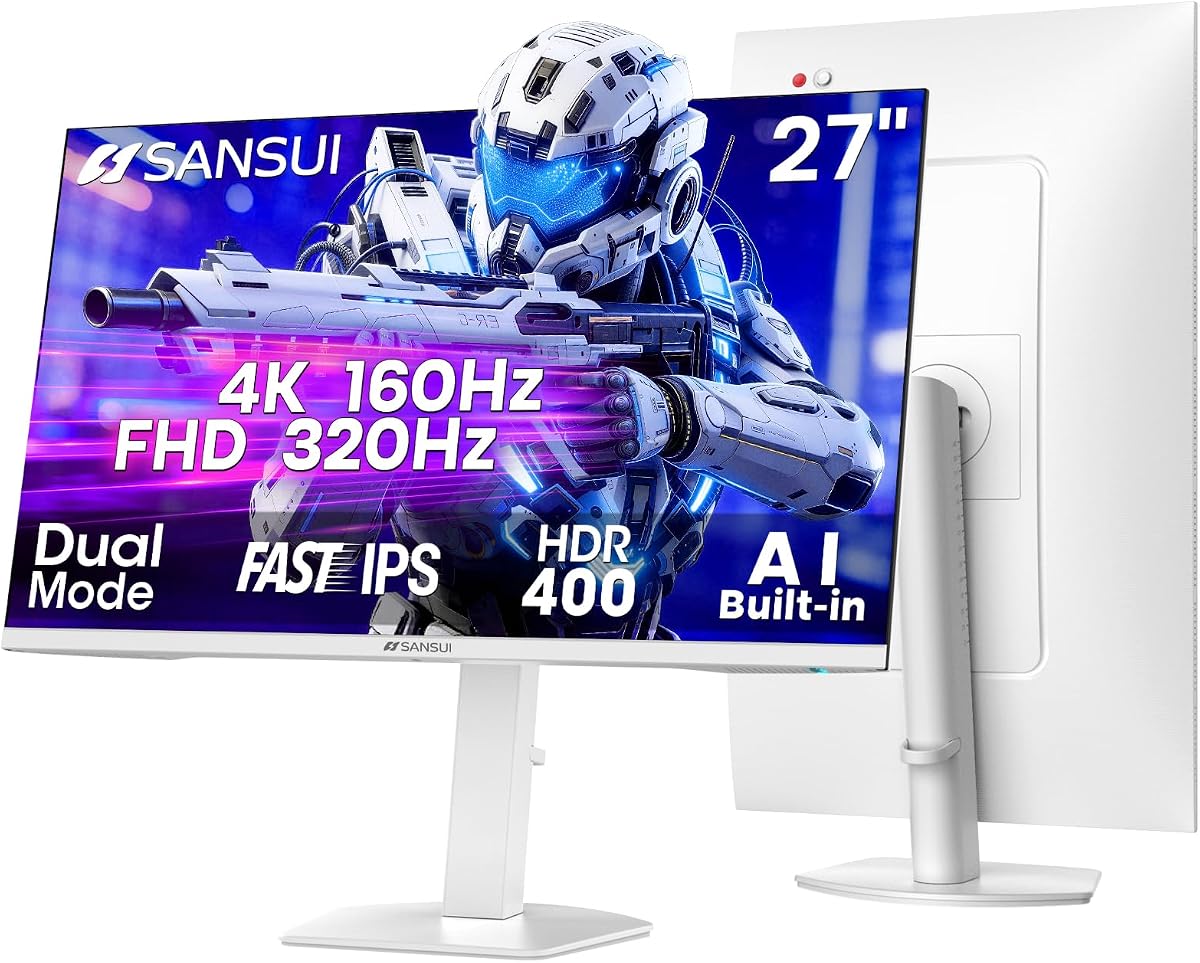
This SANSUI monitor offers dual mode switching for 4K or FHD gaming with AI enhanced tools. It has a strong 4.4 rating for providing high refresh rates at a competitive price point.
We may earn a commission when you buy through this link, at no additional cost to you.
AI Crosshair and Sniper Scope features add a unique advantage for gamers. The Fast IPS panel ensures quick response times and vibrant colors for immersive gameplay.
It may lack the premium build of major brands but delivers excellent value for budget-conscious gamers. The adjustable stand ensures you can find a comfortable viewing angle.
Select this if you want high performance gaming features without a high cost. It is a solid option for those prioritizing speed and affordability.
Features like AI Crosshair help players aim better in competitive multiplayer matches.
Switch between 4K and FHD to maximize frame rates depending on your game requirements.
We may earn a commission when you buy through this link, at no additional cost to you.
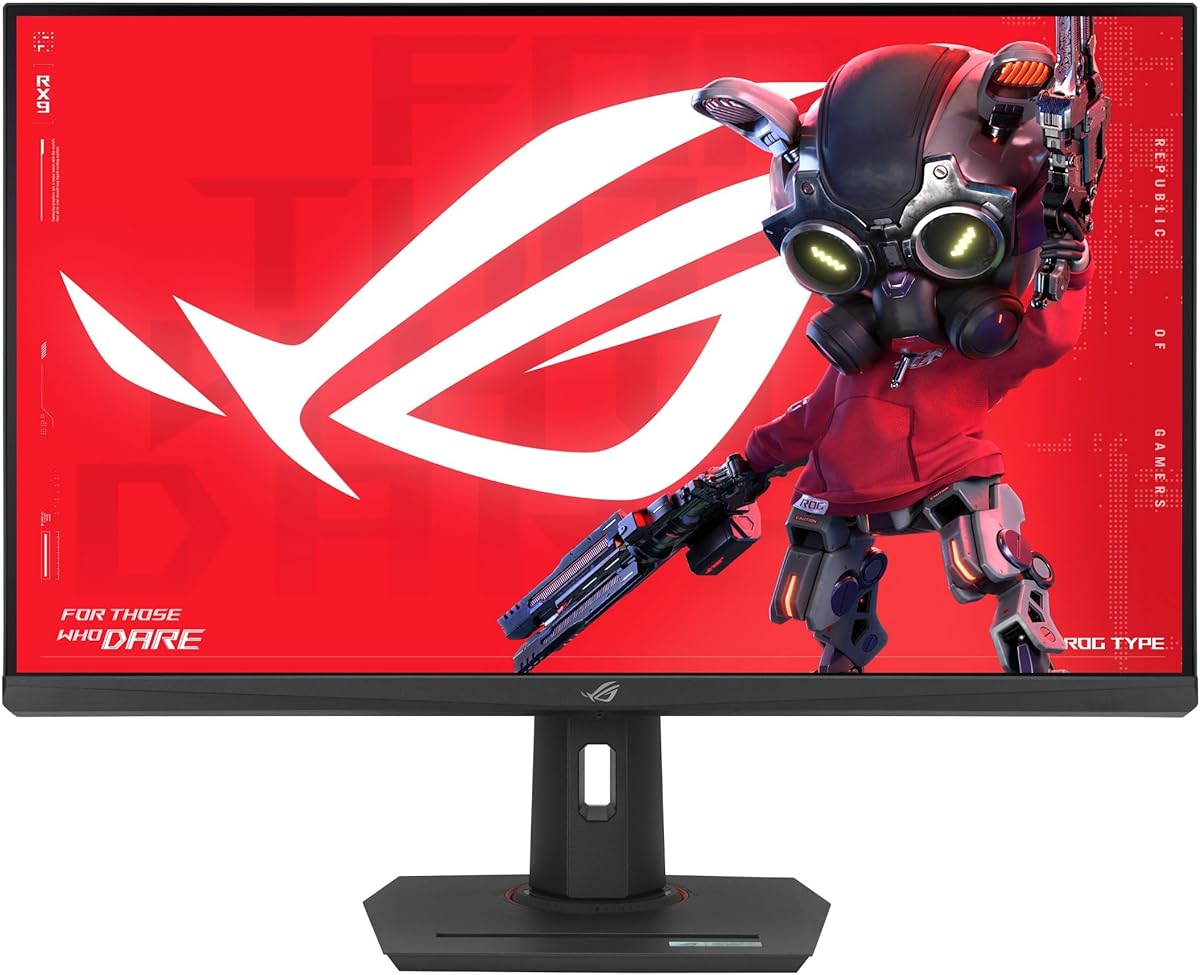
This premium gaming monitor features dual mode technology for both high resolution and high speed performance. It holds an impressive 4.6 rating due to its fast response and AI-enhanced features.
We may earn a commission when you buy through this link, at no additional cost to you.
ROG Gaming A.I technology provides smart optimizations for your gaming experience. The display includes a complimentary Adobe Creative Cloud subscription for added creative value.
The high price reflects the top-tier build and features but ensures you get the best hardware available. It requires a strong PC to fully utilize its capabilities.
Invest in this if you are a serious gamer needing the best visual fidelity and speed. It is a high-end solution for professional gaming setups.
0.3ms response time ensures sharp visuals with minimal motion blur during intense action.
95% DCI-P3 color gamut provides smoother gradations and uniformity for accurate visuals.
We may earn a commission when you buy through this link, at no additional cost to you.
This ultrawide curved monitor offers 200Hz refresh rates with AI built-in for enhanced performance. It earns a 4.4 rating from users seeking immersive gaming experiences at a reasonable cost.
We may earn a commission when you buy through this link, at no additional cost to you.
AI Blue light reduction helps protect your eyes during long sessions. The wide viewing angle ensures consistent colors from any position.
It lacks built-in speakers which means you will need external audio. Otherwise, the display performance is robust for casual and competitive play.
Choose this for an immersive ultrawide experience without spending a fortune. It is great for gamers wanting a curved screen with high speed.
The 34-inch curved screen wraps around your vision for a realistic and engaging view.
200Hz refresh rate with support VRR ensures smooth motion and reduced tearing.
We may earn a commission when you buy through this link, at no additional cost to you.
Choosing the right AI ready monitor involves looking at specific smart features and display capabilities that suit your needs.
Resolution determines the clarity of your visuals. Higher resolutions like 4K or 5K2K provide more detailed images essential for creative work and gaming.
Prioritize models with IPS panels for better color accuracy and viewing angles.
AI features like upscaling and voice amplification enhance media consumption. These tools optimize visuals and audio automatically for better quality.
Look for integrated apps that allow streaming without needing a connected PC.
For gaming, a high refresh rate like 120Hz or higher ensures smooth motion. Response time affects how quickly pixels change color to reduce blur.
Choose at least 120Hz for fluid visuals and 1ms for competitive gaming.
USB-C with power delivery simplifies setups by powering laptops and transmitting video. Multiple HDMI and DisplayPort ports provide flexibility for other devices.
Ensure the monitor has enough ports for your peripherals without adapters.
Adjustable stands with tilt, height, and swivel help reduce neck strain. Thin bezels allow for a cleaner multi-monitor setup.
Opt for ergonomic stands if you use the monitor for long periods.
Features like blue light reduction protect your eyes during long usage. Flicker-free technology prevents eye fatigue during extended sessions.
Check for certifications like ComfortView Plus for reliable eye comfort.
Smart monitors tend to be more expensive due to integrated processors and apps. Ensure the features justify the cost based on your usage patterns.
Set a budget that balances performance with smart capabilities you will actually use.
To get the most out of your AI ready monitor, connect it to a power source and internet if you plan to use smart features. Follow the setup guide to pair any remote controls or mobile apps.
Keep the screen clean using a microfiber cloth and mild cleaning solution. Avoid using harsh chemicals that could damage the anti-glare coating.
Update the firmware regularly to ensure you have the latest AI improvements and security patches. This keeps your smart features functioning correctly over time.
Not all features require internet. Basic display functions work offline, but streaming apps and cloud AI processing need connectivity. Check the specific model capabilities for offline usage.
Yes, many smart monitors have built-in streaming apps and USB hubs. This allows you to use them as standalone displays for media or smart home control without a PC.
If you watch a lot of streaming content, AI upscaling can significantly improve clarity. It helps lower resolution content look sharper on high pixel density screens.
Some models include energy-saving modes and smart sensors that adjust brightness. This can reduce power consumption when the monitor is in use or idle.
Most reputable brands use local processing for privacy. However, check security settings for cloud features to ensure your data is protected as needed.
USB-C allows for video, data, and power delivery through a single cable. This reduces desk clutter and makes connecting laptops significantly easier.
We reviewed ten AI ready monitors covering various price points and use cases from gaming to office work. Each model offers unique smart capabilities that enhance the standard viewing experience.
Prioritize the features that matter most to you such as resolution refresh rate or smart integration. Understanding your needs helps narrow down the options effectively.
Prices fluctuate regularly so checking current listings is essential before purchasing. Select the one that best fits your workflow and budget.