
20-in-1 Laptop Phone Screen Earbud Cleaning Kit
4.5Editor score
Includes 20 cleaning tools
Portable compact design
Covers keyboards and screens
This guide compares the top laptop cleaning kits for 2026 to help you choose the best tools for keeping your screens and keyboards spotless.
Keeping your laptop clean is essential for performance and longevity. A good cleaning kit includes microfiber cloths, brushes, and safe sprays to remove dust and fingerprints without damage.
We compared ten top-rated kits based on tool variety, safety, and portability. Our list covers options for laptops, phones, and other electronics to ensure comprehensive care for your devices.
Each pick highlights unique features and ideal use cases for different users. Please note that product availability and costs may change, so verify details before purchasing your next cleaning kit.
4.5Editor score

4.6Editor score

4.6Editor score
Here is a side-by-side comparison of the top ten laptop cleaning kits available this month to help you find the right match for your specific needs.




The Ordilend Keyboard Cleaner & Laptop Cleaning Kit stands out as our top pick for its comprehensive set of tools. With a 4.6 rating, it offers a balanced mix of cleaning capabilities suitable for most users looking to maintain their devices effectively.
We may earn a commission when you buy through this link, at no additional cost to you.
Its standout feature is the retractable large brush combined with a keycap puller. This allows for deep cleaning between mechanical keys and laptop crevices without scratching surfaces. The included polishing cloths are designed to fit screen corners precisely, ensuring streak-free results.
While the spray bottle capacity is smaller than standalone options, it is sufficient for targeted cleaning. Some users might find the cloths shed slightly on the first use, but washing them once resolves this issue easily.
This kit is ideal for students and office workers who need a portable solution for multiple devices. It covers keyboards, screens, and even earbuds, making it a complete care package for your tech.
The retractable brush and keycap puller allow you to remove hidden grime from under keys without disassembling your device manually.
The microfiber cloths and non-alcoholic spray ensure your sensitive screens remain scratch-free and free from residue or streaks.
We may earn a commission when you buy through this link, at no additional cost to you.
The iFixit Laptop Cleaning Kit is the highest-rated option on our list, with a stellar 4.9 rating. It focuses on professional-grade tools that prevent damage while cleaning, making it a top choice for high-end devices.
We may earn a commission when you buy through this link, at no additional cost to you.
Key strengths include the dust blower and anti-static brush. These tools are essential for clearing cooling fans and removing dust from sensitive circuits without generating static electricity that could harm components.
However, it does not include a dedicated liquid spray bottle for screens, relying instead on wipes. While the alcohol wipes are convenient, those needing heavy-duty screen cleaning might prefer a spray option.
This kit is perfect for tech enthusiasts and professionals who prioritize component safety. The organized pouch makes it easy to keep all tools together for maintenance on the go.
The dust blower allows you to clear debris from cooling fans and vents without pushing dust deeper into the device.
Anti-static tools reduce the risk of electrical damage when cleaning sensitive internal components or electronic ports.
We may earn a commission when you buy through this link, at no additional cost to you.
This All-in-1 Keyboard Cleaner is designed with gamers and heavy users in mind. It provides specialized tools like the keycap puller and metal pen tip to tackle the stubborn grime found in mechanical keyboards.
We may earn a commission when you buy through this link, at no additional cost to you.
The retractable brush works well on both laptop and desktop setups. The microfiber cloths are thick and durable, ensuring they do not scratch expensive displays. They effectively absorb fingerprints without leaving streaks behind.
While it covers all basic cleaning needs, the instructions are somewhat brief. Additionally, the cleaning spray bottle is small, requiring frequent refills if you plan to clean multiple screens regularly.
If you own a mechanical keyboard or multiple devices, this kit offers excellent value. It ensures your input devices stay responsive and your screens remain clear with minimal effort.
The metal pen tip helps gently remove stuck keys or debris from tight spaces without damaging the keycaps.
From earbuds to laptops, the flocking sponge and soft brush cover a wide range of delicate surfaces.
We may earn a commission when you buy through this link, at no additional cost to you.
Altura Photo brings a unique approach with their inclusion of a dust cleaning gel. This tool is particularly effective for picking up dust from keyboards without scattering it, which complements their standard spray and cloth setup.
We may earn a commission when you buy through this link, at no additional cost to you.
The Magicfiber microfiber cloth is soft and effective for removing smudges. The kit is explicitly safe for cameras and lenses, making it versatile beyond just computers. The air blower helps clear loose debris efficiently.
The dust gel can sometimes be a bit messy if not used carefully on textured surfaces. Also, the spray bottle is small and may not last long for users with multiple large monitors.
This kit is perfect for photographers and office workers who need to keep screens and lenses clean. The gel option adds a layer of utility that standard kits often miss.
The dust cleaning gel lifts particles from key crevices without pushing them deeper into the device.
Formulated to be safe for optical surfaces, making it suitable for cleaning camera screens and lenses.
We may earn a commission when you buy through this link, at no additional cost to you.
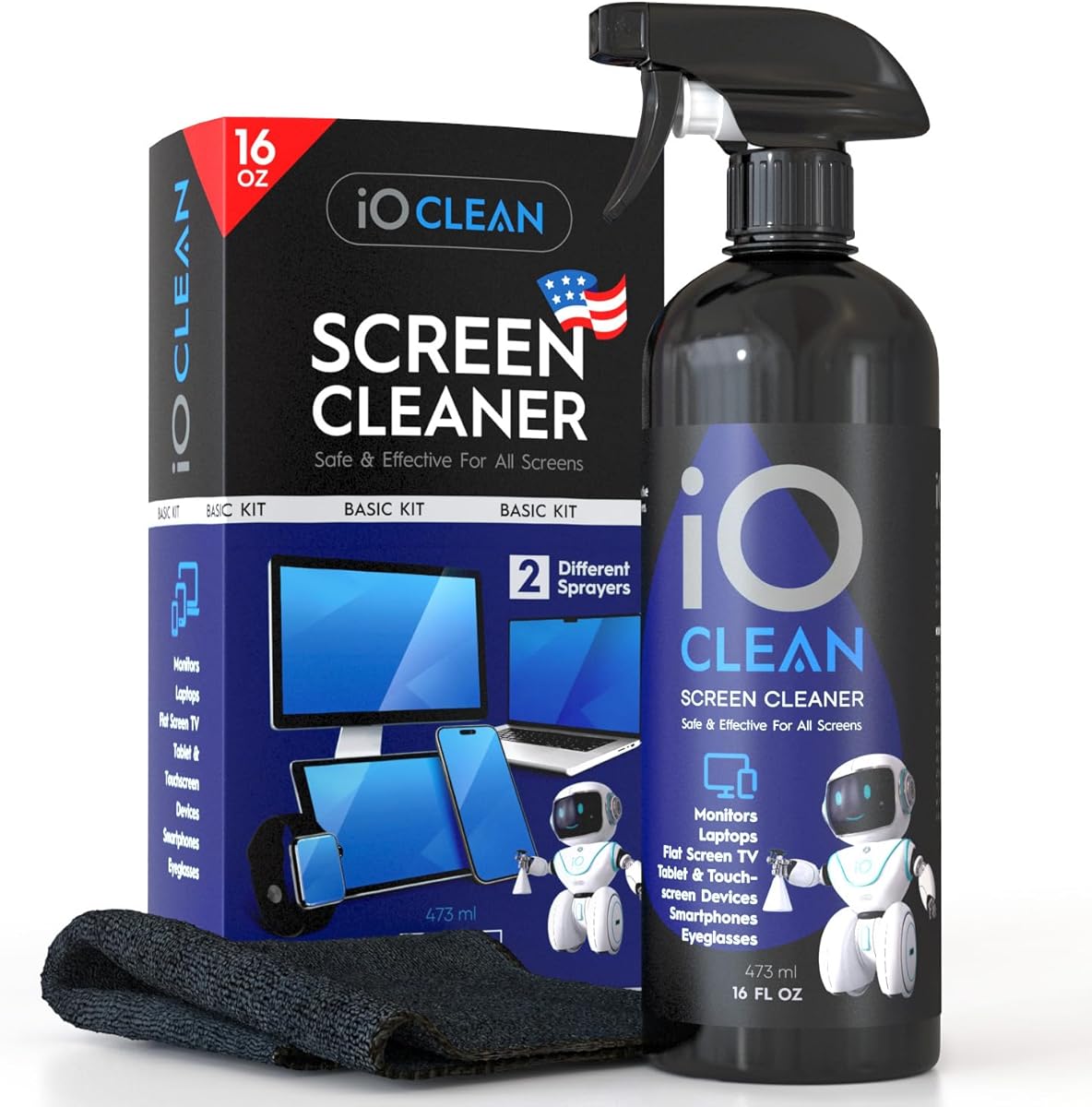
For users focused specifically on screen cleanliness, the iO CLEAN spray offers a massive 16oz bottle. It is designed for high-end devices including OLED and LCD screens, ensuring a safe and thorough clean.
We may earn a commission when you buy through this link, at no additional cost to you.
The formula is biodegradable and non-toxic, making it safe for homes with pets. It leaves a protective layer that repels dirt, reducing the frequency of cleaning needed. The nozzles allow for both fine mist and broad spray.
Since this is primarily a spray, you will need to pair it with your own cloth. It lacks brushes for keyboards, which limits its use to screens and glass surfaces only.
This is an excellent addition to any workstation where screen maintenance is a priority. The large size means you will not need to buy replacements as often as smaller bottles.
The 16oz volume covers multiple devices and is economical for offices or users with multiple monitors.
It leaves an anti-static layer that helps repel dust and smudges, keeping screens cleaner longer.
We may earn a commission when you buy through this link, at no additional cost to you.
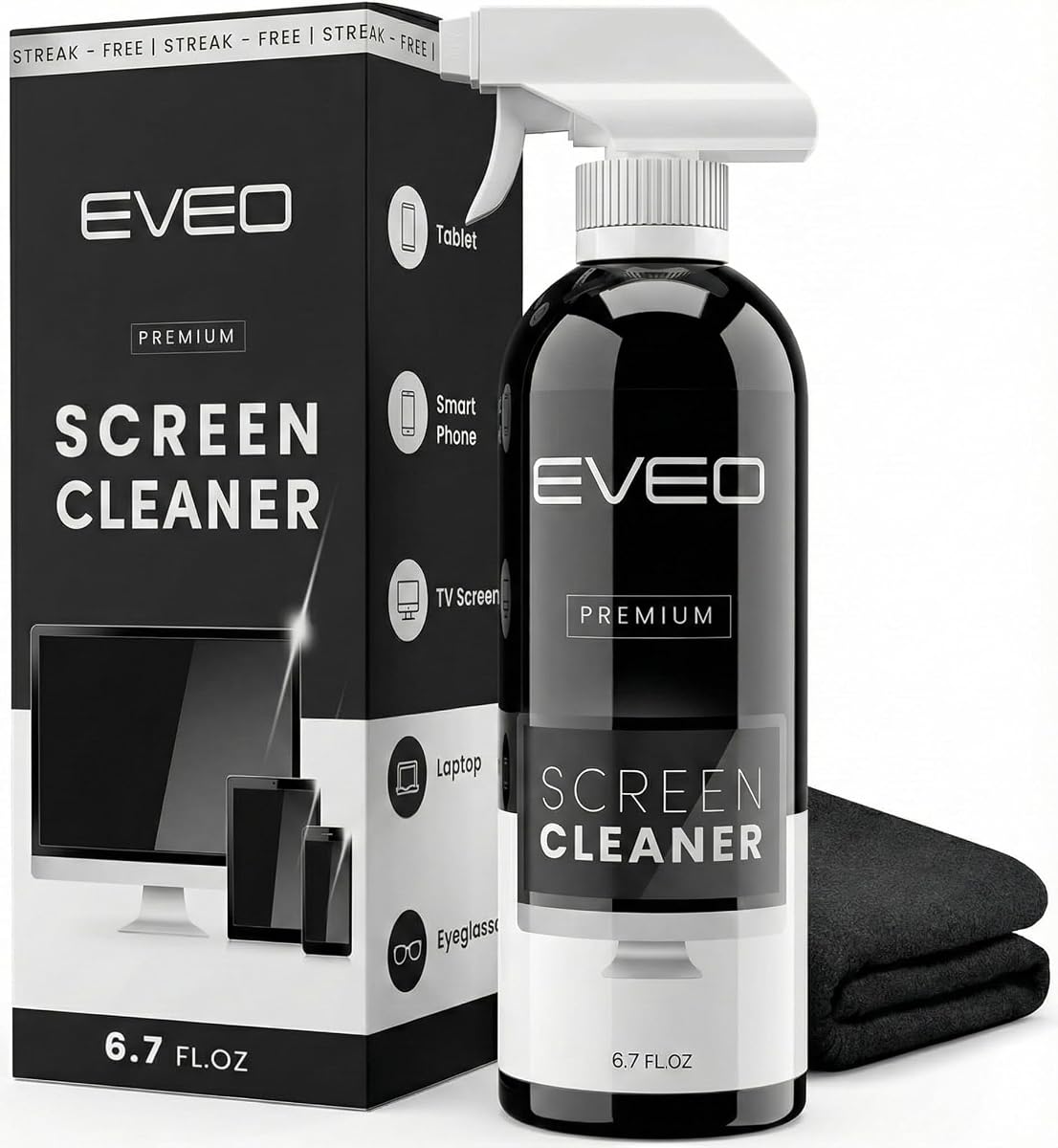
EVEO delivers a focused solution for screen cleaning with a large bottle and a plush microfiber cloth. It is designed to leave zero streaks, which is critical for TVs and computer monitors.
We may earn a commission when you buy through this link, at no additional cost to you.
The spray mechanism is a trigger-style gun that provides control over the amount of liquid used. The cloth is soft enough for sensitive OLED screens and effectively absorbs oils without scratching.
The trigger mechanism can feel slightly stiff for some users, and it lacks the brush tools needed for keyboard maintenance. It is strictly a screen-focused product.
If your primary concern is clear, smudge-free screens on laptops or TVs, this kit provides consistent results. The cloth quality ensures you get the best finish every time.
The formula is engineered to dry quickly without residue, ensuring a crystal-clear display after wiping.
The included cloth is extra soft and durable, designed to lift dust without leaving fibers behind.
We may earn a commission when you buy through this link, at no additional cost to you.
This kit balances portability with functionality. The 15ml spray is larger than typical compact versions, and it includes a specialized pen for cleaning earbuds and camera lenses.
We may earn a commission when you buy through this link, at no additional cost to you.
The retractable anti-static brush ensures your keyboard stays clean without taking up too much space. It is ideal for students who need to carry it in a backpack or bag daily.
Due to its small size, the spray will need refilling if you use it frequently. The tools are durable but might not be as heavy-duty as larger kits for industrial use.
For travelers and students, this is a practical choice. It covers the essential needs of laptops and earbuds without adding bulk to your luggage.
The 3-in-1 earbuds pen includes a metal tip and brush specifically designed to clean audio ports and cases.
Its compact shape fits easily into laptop sleeves, making it perfect for cleaning on the go.
We may earn a commission when you buy through this link, at no additional cost to you.
WHOOSH! focuses heavily on safety for all screen coatings. The Duo kit includes both a home bottle and a pocket bottle, ensuring you always have a cleaner available.
We may earn a commission when you buy through this link, at no additional cost to you.
The formula is free from alcohol and ammonia, which protects anti-glare coatings and sensitive OLED screens. The PROTX2 microfiber cloths are soft and effective at lifting grime.
While highly effective, the price is higher than generic brands. You also get a limited number of cloths, so you may need to purchase replacements over time.
If you have expensive devices with delicate screens, this is a safe investment. The alcohol-free nature guarantees your device coatings will not degrade over time.
The non-toxic formula ensures that even the most expensive MacBook and tablet screens remain safe during cleaning.
The travel bottle fits in a pocket, while the larger one stays on your desk for daily use.
We may earn a commission when you buy through this link, at no additional cost to you.
The OXO Good Grips Sweep & Swipe is a simple tool designed for quick maintenance. It features a soft brush for dust and a microfiber pad for fingerprints, with no liquids required.
We may earn a commission when you buy through this link, at no additional cost to you.
Its retractable design keeps both ends protected when not in use. The ergonomic handle makes it comfortable to use for sweeping away crumbs from keyboards effectively.
Since it lacks liquids, it is best for dry cleaning only. For sticky spills or smudges, you would need a separate spray or wipe.
This is perfect for daily maintenance on office desks. It is a simple, chemical-free way to keep your laptop surface dust-free throughout the day.
This tool is ideal for quick dusting sessions where liquids are not practical or available.
The handle is designed to fit comfortably in hand, reducing strain during cleaning sessions.
We may earn a commission when you buy through this link, at no additional cost to you.
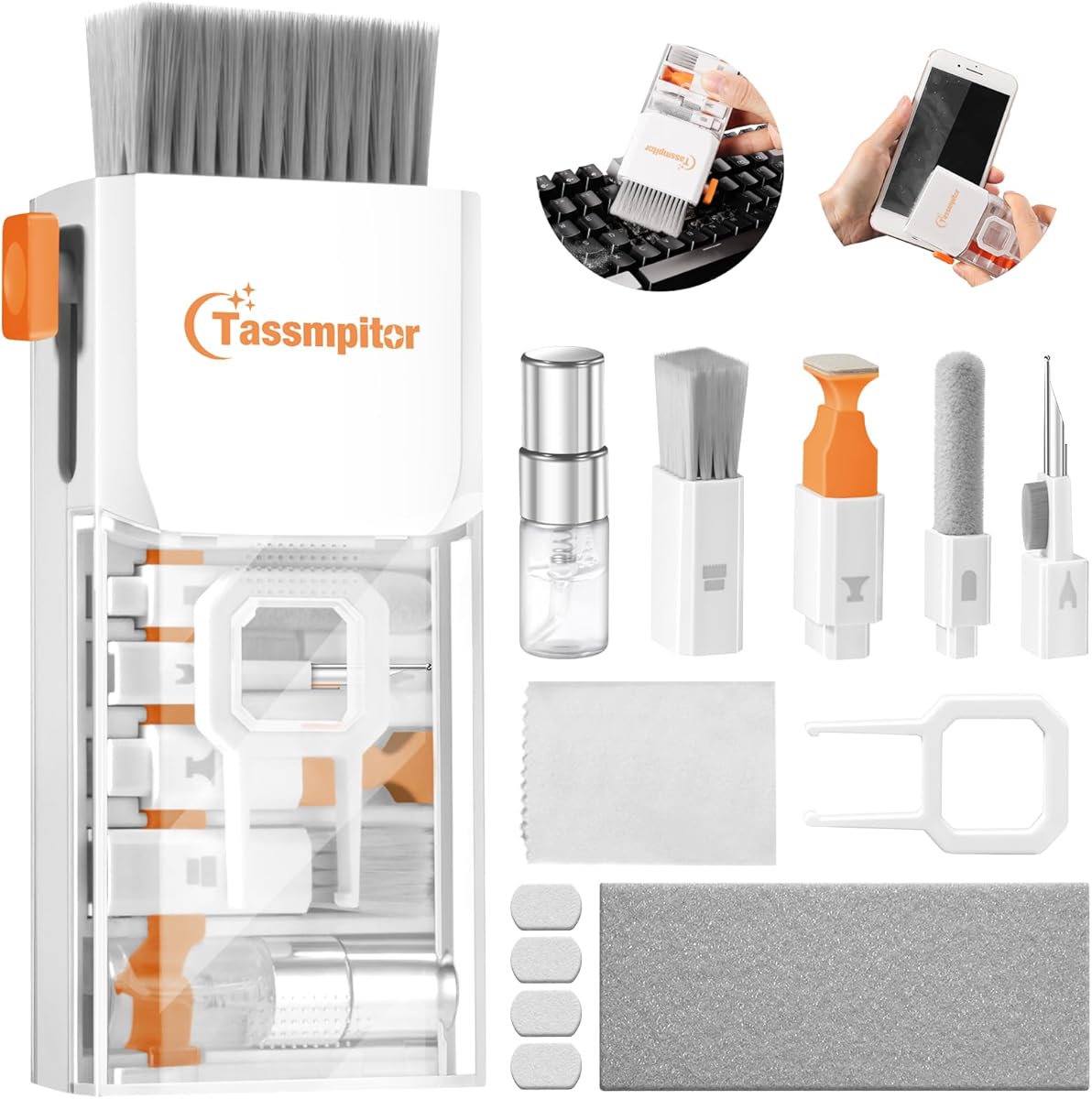
This kit offers the highest number of tools for the lowest price. With 20 pieces, it includes everything from cleaning cloths to specific pens for AirPods and keyboards.
We may earn a commission when you buy through this link, at no additional cost to you.
It is incredibly versatile, covering phones, laptops, and headphones. The extension rods allow you to reach into tight spaces like camera ports or keyboard crevices.
Some tools are made of lighter materials, which may not last as long as premium options. The spray bottle is also quite small and requires frequent refills.
If you need a budget-friendly option to clean a family's worth of devices, this is a great choice. It provides the most utility for your money.
With 20 tools, this kit ensures you have a specific implement for every cleaning need, from phones to cameras.
Extension rods allow you to clean deep into ports and tight spots without damaging the device.
We may earn a commission when you buy through this link, at no additional cost to you.
Choosing the right kit requires evaluating several key factors to ensure your devices remain safe and clean.
Look for kits that include a brush, cloth, and spray. The more specialized tools you have, the easier it will be to clean tight spaces like keyboard crevices.
A versatile kit saves you from buying separate items for screens and keyboards.
Ensure all solutions are alcohol-free and safe for your specific screen type. Some sprays can damage anti-glare coatings or OLED displays if not formulated correctly.
Prioritize kits that explicitly state safety for all screens and electronics.
Consider where you will store the kit. If you travel frequently, a compact design with retractable tools is more convenient than a large box.
Smaller kits are easier to carry in a backpack or car.
High-quality microfiber cloths are essential for streak-free results. Cheap cloths may shed fibers onto your screen or scratch sensitive surfaces.
Look for plush or thick cloths that are durable and reusable.
Check the bottle size of any included sprays. Larger bottles are more economical for home use, while small ones suit travel needs.
A 16oz bottle is ideal for offices, while 15ml is better for pockets.
Prices vary significantly between budget and premium options. Determine your needs before buying to avoid overpaying for tools you will not use.
Basic kits cover most needs, while premium kits offer specialized tools.
Choosing brands with strong reviews can help you avoid low-quality components. Established brands often provide better quality control for their cleaning products.
Research user feedback to ensure the kit performs as advertised.
The best tool is one that is easy to use. Avoid kits with complex mechanisms that might break or confuse you during cleaning.
Simple retractable brushes and spray mechanisms are generally more reliable.
Always power off and unplug your laptop before cleaning to prevent electrical shorts. This ensures your safety and protects the device from damage.
Use the brush to gently remove dust from keys before applying any liquid. This prevents grime from turning into mud when mixed with cleaning solutions.
For screens, spray the cloth instead of the device directly to avoid liquid seeping into the edges. Wipe gently in one direction to prevent streaks.
While distilled water is generally safe, using a dedicated screen cleaner spray is better. Water can leave streaks and may contain minerals that damage coatings.
It is recommended to clean your keyboard weekly to remove dust and debris. A deeper clean with a keycap puller should be done monthly for optimal performance.
Yes, but ensure they are alcohol-free and designed for electronics. Regular wet wipes may contain harsh chemicals that can damage sensitive screen coatings.
Microfiber cloths are the best option because they are soft and do not scratch. They also trap dust effectively without leaving residue on the screen.
Removing keys is not always necessary but helps for deep cleaning. Use a keycap puller from your kit if you want to clean underneath the keys effectively.
Streaks usually happen due to using too much liquid or the wrong cloth. Try spraying less and using a dry microfiber cloth to polish the screen.
Yes, look for cleaners explicitly labeled as safe for anti-glare coatings. Using alcohol-based cleaners can strip the coating and cause permanent damage.
You can, but be careful to use a brush attachment. A standard vacuum might push dust deeper into the device or cause static electricity damage.
We reviewed the top laptop cleaning kits available in November 2026 to help you maintain your devices effectively. The Ordilend kit offers a great balance of tools for most users.
Consider your specific needs when choosing a kit. If you have delicate screens, prioritize safety; if you need value, look for kits with more tools included.
Remember to check current availability and prices before purchasing. Your devices deserve care, and the right kit makes maintenance simple and safe.