
Switch 2 Pro Controller Charging Station
3.5Editor score
Dual Charging Station Design
5V22A Stable Input
LED Charging Indicators
This guide compares the top controller charging dock for Switch 2 options to help you choose the best dual or multi-port station for your gaming setup.
Finding the right controller charging dock for Switch 2 is essential for keeping your gaming sessions uninterrupted. These stations provide reliable power and organized storage for your controllers. A good dock ensures fast charging speeds and protects your hardware with smart safety features built inside.
We compared ten top-rated charging stations based on compatibility, charging speed, and design features. Our list includes options for Joycons and Pro Controllers with RGB lighting and magnetic alignment. Each product was evaluated on build quality and user feedback to ensure accurate recommendations.
Each pick shows key features like LED indicators and cable management to help you decide. Prices and availability change frequently so check the current listings before buying. We update this guide regularly to reflect the latest products and user experiences in the market.
3.5Editor score

4.7Editor score
4.3Editor score
The following table provides a side-by-side comparison of all ten products. Use it to quickly review key features and specifications for each model.



This dual port dock offers an affordable way to charge Switch Pro and Xbox controllers simultaneously. It has a simple design with clear LED indicators that show when charging is complete.
We may earn a commission when you buy through this link, at no additional cost to you.
It supports high power input for stable charging and includes removable Type-C adapters to reduce wear on ports. The compact base fits easily on TV stands.
While it lacks support for some third party controllers like PowerA this dock works well for official units. The requirement for a 5V2A adapter is standard for this price point.
Budget conscious gamers should consider this dock for its versatility across console types. It provides reliable storage and charging in a small footprint.
The low profile design ensures it does not take up much space on your desk.
Removable adapters help protect the USB-C ports on your controllers from damage.
We may earn a commission when you buy through this link, at no additional cost to you.
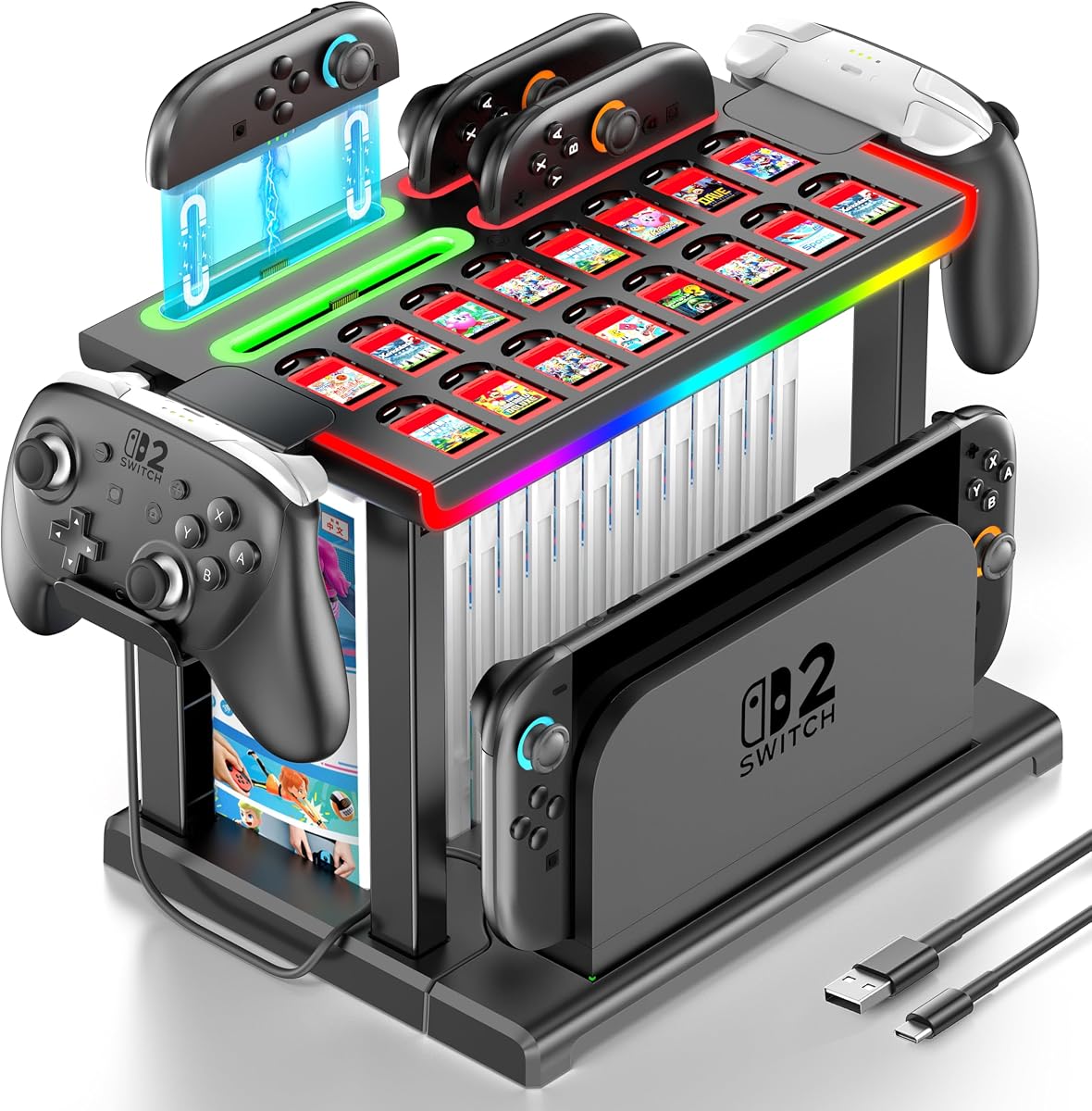
This organizer station combines storage and charging into a single robust unit. It holds up to four Joycons and sixteen game cases while offering customizable RGB lighting.
We may earn a commission when you buy through this link, at no additional cost to you.
The dual direction charging feature means you do not need to distinguish between Joycon types. The non slip pads on the bottom ensure the unit stays stable.
Some users find the RGB lighting bright even in sleep mode but it can be turned off easily. The lack of included dock is a minor inconvenience for a complete setup.
If you want a tidy gaming space with style this organizer is an excellent choice. It saves space and keeps all your accessories organized in one place.
The design accommodates a large number of game cards and cases for collectors.
Multiple lighting modes allow you to match the vibe of your gaming room.
We may earn a commission when you buy through this link, at no additional cost to you.
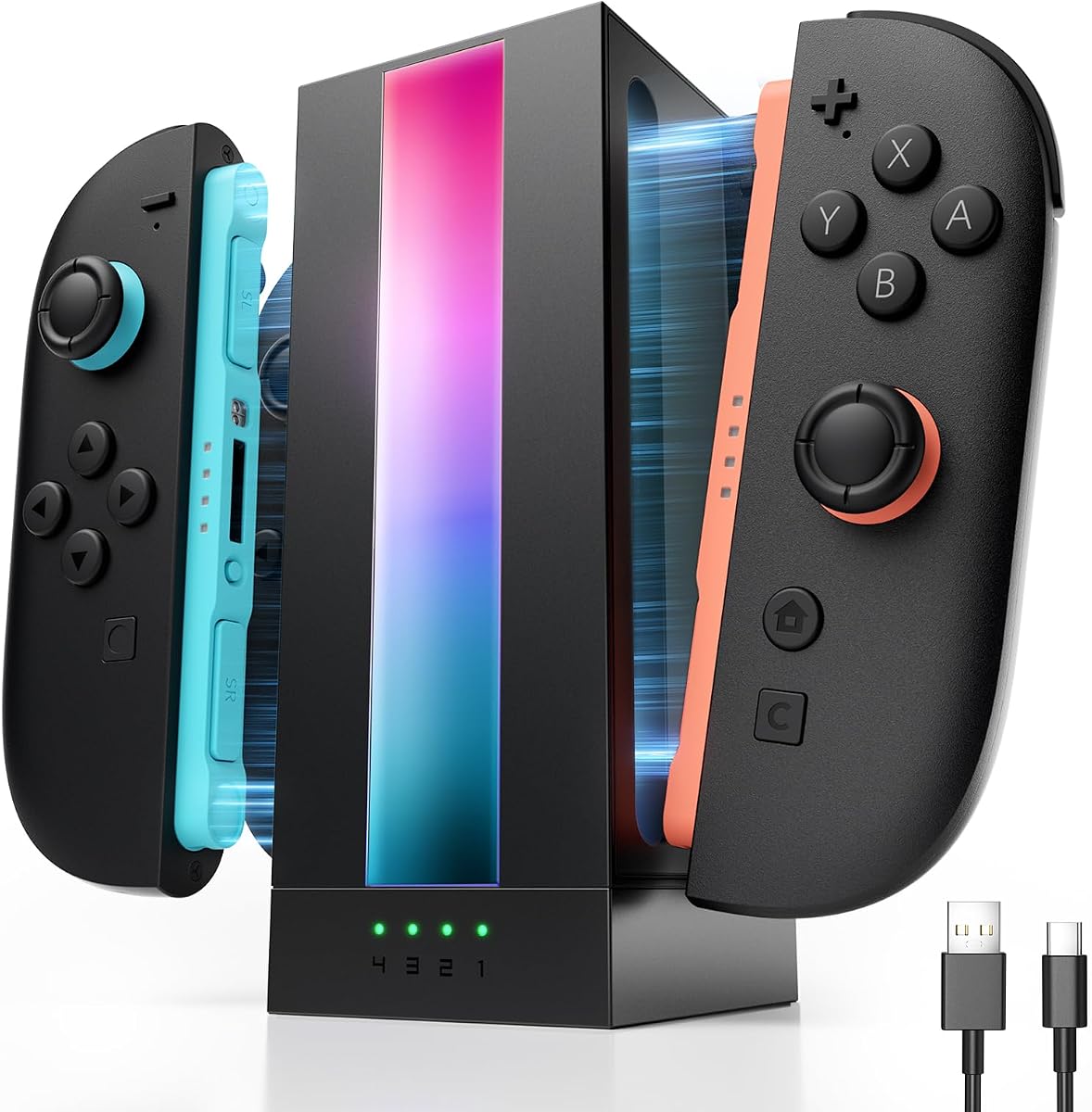
This magnetic dock is designed for fast and easy charging of Switch 2 Joycons. It supports simultaneous charging of four controllers and features a memory function for lighting.
We may earn a commission when you buy through this link, at no additional cost to you.
The magnetic alignment ensures secure placement and prevents wear on the connectors. Clear LED indicators show charging status while safety chips protect against overheat.
The touch controls are responsive but you must hold the switch to turn off the lights. Some users find the RGB glow too bright for nighttime gaming sessions.
For those seeking a premium charging experience this dock offers speed and style. It is ideal for gamers who want to avoid fiddling with connectors.
The magnets guide the Joycon into place ensuring a secure connection every time.
Overcurrent and short circuit protection extend the life of your batteries.
We may earn a commission when you buy through this link, at no additional cost to you.
This station provides a dedicated space for charging two Pro Controllers simultaneously. It features LED indicators to show when the controllers are fully charged.
We may earn a commission when you buy through this link, at no additional cost to you.
The design is compact and fits easily on desktop surfaces. It includes smart protection to prevent overcharging and overheating of the batteries.
It is limited to Pro Controllers and does not support Joycons or Xbox units. Users report fewer features compared to other models in this guide.
This unit is best for players who own multiple Pro Controllers. It offers a basic but reliable solution for keeping your primary controllers powered.
The small footprint makes it ideal for setups with limited desk space.
Tailored specifically for Pro Controllers to ensure optimal fit.
We may earn a commission when you buy through this link, at no additional cost to you.
This base is designed to charge both Joycons and PowerA wireless controllers. It features a bold look and LED indicators to show charge status.
We may earn a commission when you buy through this link, at no additional cost to you.
It is fully compatible with Nintendo Switch Pro Controllers and all PowerA wireless units. The design helps to distinguish the brand while adding flair to the setup.
The base does not support third party brands outside of the PowerA ecosystem. Users should verify their controller type before purchasing to ensure compatibility.
If you own PowerA controllers this base is a great accessory. It keeps your controllers organized and charged in a convenient location.
Built to work seamlessly with all PowerA wireless Switch controllers.
The bold design adds a unique touch to your gaming desk.
We may earn a commission when you buy through this link, at no additional cost to you.
This station supports charging for Nintendo Joycons Pro controllers and even PS5 controllers. It includes a fireproof panel and a USB-C cable for easy setup.
We may earn a commission when you buy through this link, at no additional cost to you.
The design is simple and allows for multiple controllers to be plugged in. It uses built-in IC chips to protect against over-voltage and over-current.
Users note that the cable included is functional but not very long. The station is new and small but aims to provide high quality accessories.
Multi console gamers will appreciate the versatility of this charger. It simplifies your desk by using one station for multiple controller types.
Works with Switch and PS5 controllers for a unified charging station.
Fireproof panel design ensures safe charging for valuable hardware.
We may earn a commission when you buy through this link, at no additional cost to you.
This dock features dual USB-C ports for charging Pro controllers and Xbox Series X controllers. It includes adapters to make drop-in charging easy.
We may earn a commission when you buy through this link, at no additional cost to you.
The compact low-standby design fits neatly on TV stands and gaming stations. It is designed for official USB-C controllers but excludes some third-party brands.
Users report that lower power USB ports may lead to slower charging speeds. The LED indicators provide clear status updates for each connected controller.
If you need a dual charger for Xbox and Switch this dock is a strong option. It keeps your setup organized while supporting multiple console brands.
USB-C adapters are included to facilitate quick and easy charging.
Optimized for official USB-C controllers from major console brands.
We may earn a commission when you buy through this link, at no additional cost to you.
This dock charges four Joycon controllers simultaneously using a magnetic design. It features RGB lighting modes and real-time status indicators for each slot.
We may earn a commission when you buy through this link, at no additional cost to you.
The dual-side charging allows for flexible placement of the controllers. Built-in chips prevent overcharging and overheating to extend battery lifespan.
Users note that the magnetic design reduces wear on the charging ports. The compact and organized design keeps the gaming area neat and tidy.
This dock is an excellent choice for players who need to charge multiple Joycons. It offers efficiency and protection in a stylish design.
Charging is possible on both sides of the Joycon for ease of use.
Magnetic design ensures secure alignment without forceful plugging.
We may earn a commission when you buy through this link, at no additional cost to you.
This 10-in-1 dock supports charging for Switch 1 and 2 models and Pro controllers. It comes with a Y-Type cable and offers eleven RGB lighting modes.
We may earn a commission when you buy through this link, at no additional cost to you.
The dock has two extra USB 2.0 ports for data transfer or charging other devices. Clear indicators show the charging status for all connected units.
Users are recommended to use the NS2 official dock as the power source. The touch switch allows for easy control of the charging and lights.
This versatile station is ideal for households with multiple Switch consoles. It centralizes charging for Joycons and Pro controllers in one hub.
Works across Switch 1 OLED and 2 models for broad compatibility.
Two USB 2.0 ports allow for additional device connections.
We may earn a commission when you buy through this link, at no additional cost to you.
This dock is exclusively designed for Switch 2 Joycon controllers. It features a 4-port design for high speed charging and includes a USB-C cable.
We may earn a commission when you buy through this link, at no additional cost to you.
The dynamic RGB light bar enhances the gaming environment. It protects against overcurrent and overheating to ensure safe charging of all units.
Users must match plus and minus marks on the Joycon to the dock symbols. The independent LED indicators show charging status at a glance.
If you own a Switch 2 this dock is a tailored solution. It keeps your Joycons charged and ready with modern aesthetics.
Optimized specifically for the 2025 Switch 2 Joycon controllers.
Reduces waiting time by charging all units faster than older models.
We may earn a commission when you buy through this link, at no additional cost to you.
Choosing the right charging dock involves considering compatibility and features.
Ensure the dock supports your specific Joycon or Pro Controller model. Some units are exclusive to Switch 2 or support multiple brands like Xbox and PS5.
Always check the product description to confirm compatibility before purchasing.
Look for docks that support 5V2A input for faster charging. This helps reduce waiting time and keeps your controllers ready for gameplay.
Verify that the dock can handle the power requirements of your controllers.
Choose a dock with enough slots for all your controllers. Dual slots work for two controllers while four or more slots are better for families.
Select a dock that matches the number of controllers you own.
Magnetic docks prevent wear and tear on the USB ports. Physical connectors are simple but may require more care during insertion.
Magnetic alignment can simplify the charging process significantly.
RGB lighting adds style to your setup. Look for docks with adjustable brightness or off switches to avoid distraction during sleep.
Consider how the lighting impacts your room ambiance.
Choose docks with built-in safety chips to prevent overcharging and overheating. This protects your batteries and extends the lifespan of your controllers.
Safety features are essential for reliable charging.
Check if the dock includes the necessary cables. Some units do not include power adapters so ensure you have the right tools.
Having all necessary accessories in the box saves time.
Select a dock that fits your desk or TV stand. Compact designs are better for smaller spaces while larger organizers save room for games.
Design should match your aesthetic preferences and space needs.
Connect the dock to a reliable power source to ensure stable charging. Use the provided cable or adapter as recommended in the manual.
Place your controllers carefully onto the slots to align the charging pins. Avoid forcing the controllers into the dock to prevent damage.
Monitor the LED indicators to check the charging status. Remove the controllers once they are fully charged to extend battery life.
Standard Switch docks usually have charging slots but you should verify compatibility with the new Switch 2 Joycons. Some docks are designed specifically for the 2025 model to ensure proper alignment.
Most docks take around 2 to 3 hours to fully charge a Joycon or Pro Controller. This varies based on the input power and the battery size.
Some docks support multiple brands like Switch Xbox and PS5. Always check the product details to confirm if the dock supports mixed controller types.
Yes magnetic docks reduce wear by eliminating the need to plug and unplug cables repeatedly. They provide a secure connection without physical stress on the ports.
Many docks feature adjustable RGB modes including on off options. Some allow you to cycle through colors while others have fixed lighting settings.
Not all docks include a power adapter. Check the product description to see if you need to buy a separate adapter to power the dock.
This guide highlights ten top options for charging your Switch 2 controllers with features like magnetic alignment and RGB lighting.
Prioritize compatibility and safety features to ensure your controllers remain in good condition over time.
Always check current listings for the latest pricing and availability before making your purchase.