
65W Universal USB C Laptop Charger
4.7Editor score
Affordable price point
65W PD charging support
Works with multiple brands
Compare the best charger for Lenovo Chromebook models with detailed specs ratings and compatibility data to choose the right power adapter for your device in
Finding a reliable charger for your Lenovo Chromebook is essential for staying productive throughout the day. Whether you are at home at work or traveling you need a power adapter that delivers consistent performance without compromising safety.
This guide compares ten top rated USB C chargers designed specifically for Lenovo Chromebooks and compatible laptops. We analyzed power output compatibility features and safety certifications to help you make an informed decision.
Each pick highlights key specifications pros and cons to show what makes it stand out. Please note that product availability and pricing can change quickly so check current details before purchasing your new adapter.
4.7Editor score

4.3Editor score

4.5Editor score
The following table provides a side-by-side comparison of all ten chargers to help you quickly identify the best match for your Lenovo Chromebook model and power needs.


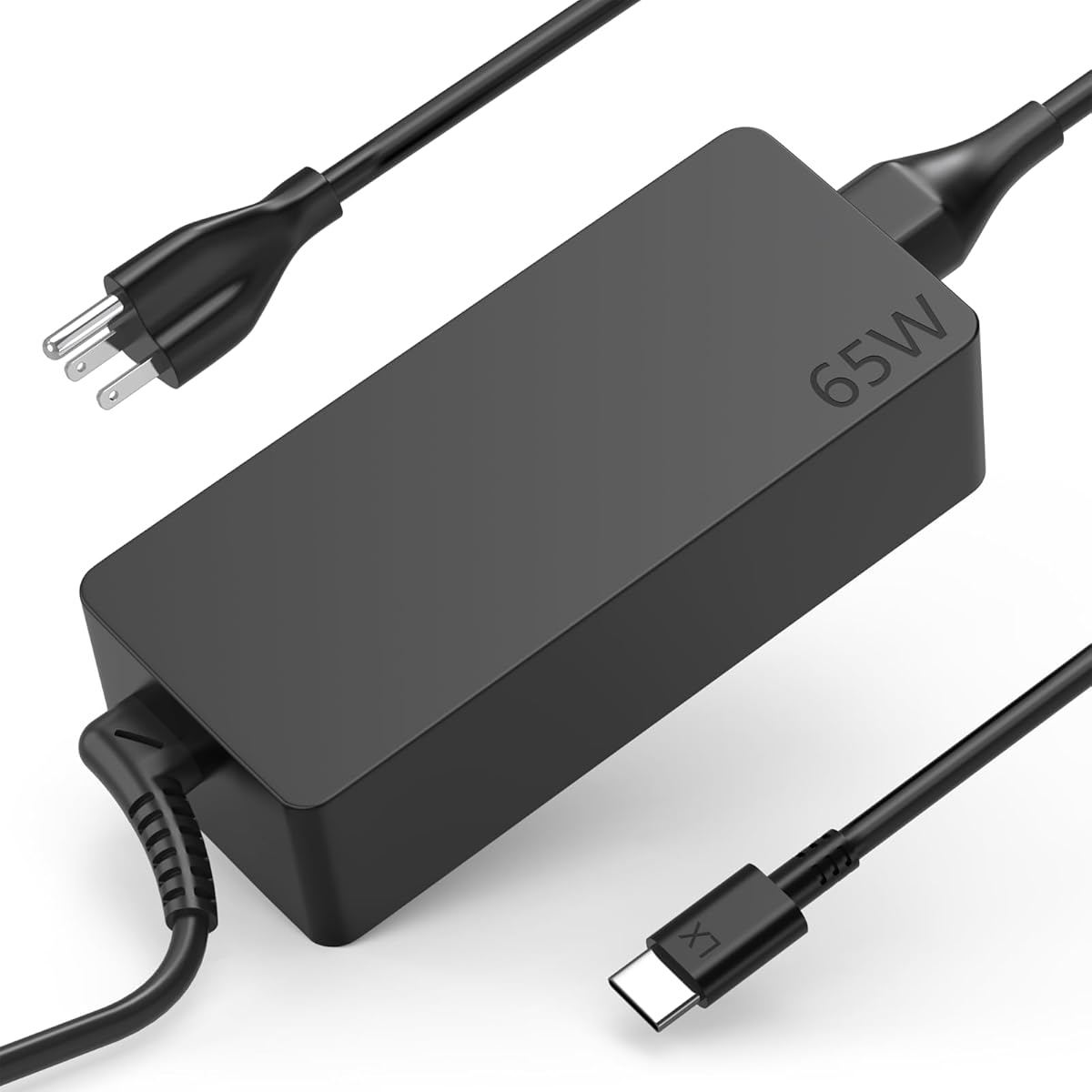

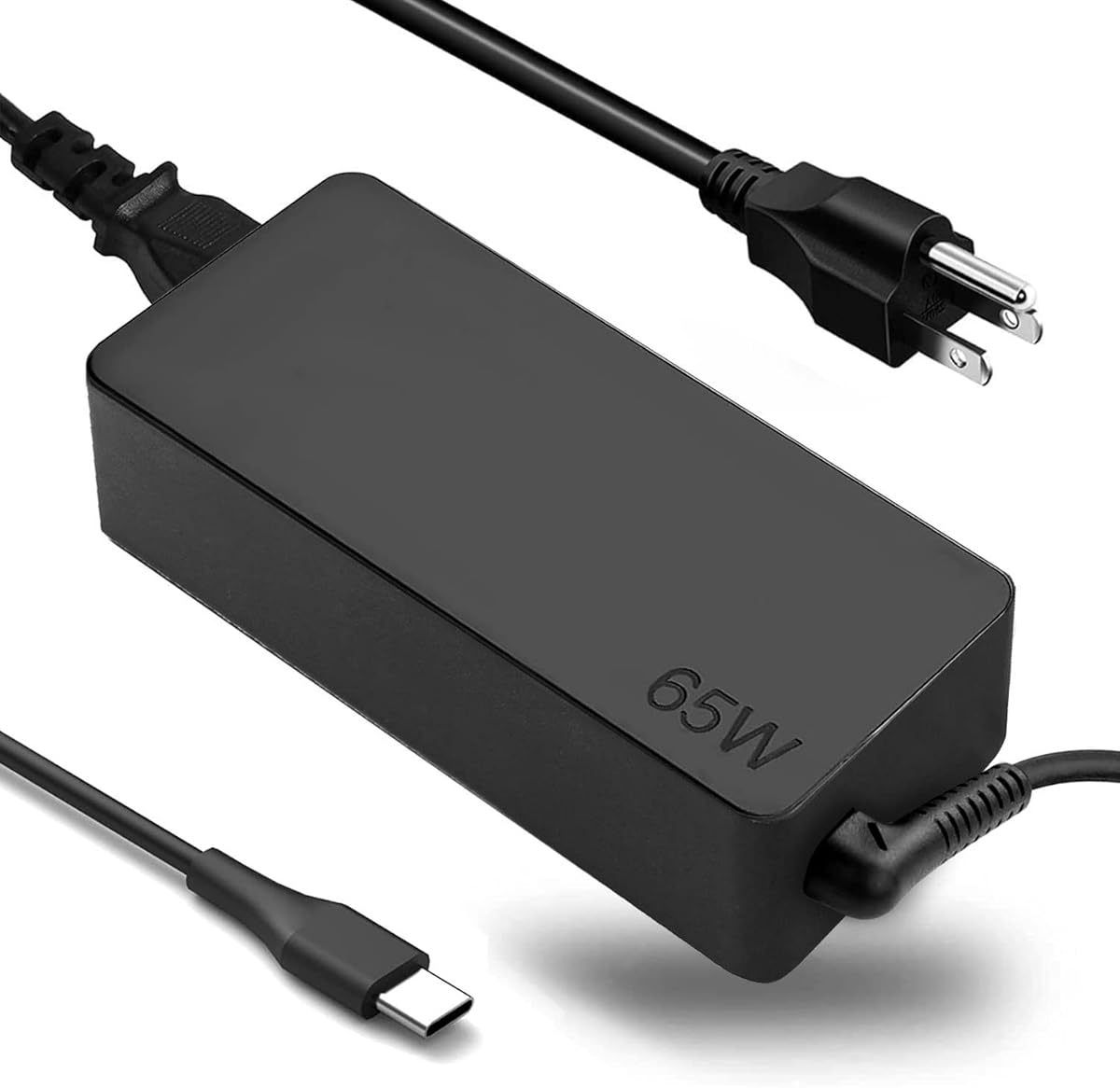

This Universal 65W USB C Laptop Charger stands out as a top choice for Lenovo Chromebook users needing reliable power. With a solid rating and versatile compatibility it handles daily charging demands effectively.
We may earn a commission when you buy through this link, at no additional cost to you.
It delivers 65W output which is sufficient for most Chromebooks and laptops. The adapter supports multiple voltage levels ensuring it works across various devices. Safety features protect against overvoltage and overheating during use.
While it performs well users note it can get warm during extended charging sessions. The cable length is not explicitly stated which may limit desk setup options. These trade-offs are acceptable given the price and performance.
Buyers seeking a versatile budget friendly charger should consider this option. It offers strong performance for Lenovo Chromebooks and other USB C laptops making it a practical everyday solution for power needs.
Works with Lenovo HP Dell and other major brands ensuring one charger suits multiple devices.
Built-in protections prevent electrical issues keeping your laptop and charger safe during operation.
We may earn a commission when you buy through this link, at no additional cost to you.
This adapter is designed to replace original chargers for Lenovo Chromebooks ThinkPads and HP laptops. Its strong compatibility list makes it ideal for users with multiple devices needing USB C power.
We may earn a commission when you buy through this link, at no additional cost to you.
It provides 65W and 45W options matching many factory specs. The 100-240V input allows global travel use. Customers appreciate the responsive support team for troubleshooting issues quickly.
Some users report inconsistent packaging which can affect presentation. The power cable might be shorter than preferred for some desk setups. These minor issues do not impact core charging performance.
Choose this if you need a reliable replacement for Lenovo or HP devices. It balances cost and functionality well for everyday use at home or office environments.
Specifically tested with ThinkPad Yoga and Chromebook models for guaranteed fit and function.
Handles voltage from 100 to 240 volts making it suitable for international travel adapters.
We may earn a commission when you buy through this link, at no additional cost to you.
With a impressive rating this 65W Universal USB C Laptop Charger offers excellent value for budget conscious buyers. It delivers reliable power for Chromebooks and other USB C laptops.
We may earn a commission when you buy through this link, at no additional cost to you.
The charger supports USB Power Delivery protocols for efficient charging speeds. Its compact design makes it easy to carry in bags or pockets. Users find it works well with various brands including Acer and HP.
The build materials are basic which may affect long term durability under heavy use. It does not include extra cables or adapters. These limitations are expected at this price point.
Buyers looking for a simple effective charger at a low cost should pick this. It meets standard charging needs without unnecessary features or high prices.
Earned a strong rating from buyers who praise its reliability and affordable price.
Compact and lightweight design ensures easy transport for students and professionals.
We may earn a commission when you buy through this link, at no additional cost to you.
This Superer charger is tailored for Lenovo Chromebooks requiring 45W power. It includes a notably long power cord for flexible placement. The build quality meets recognized safety standards.
We may earn a commission when you buy through this link, at no additional cost to you.
The 10FT power cord allows use from distant outlets without extension strips. It is designed specifically for Lenovo models ensuring a snug fit. Buyers appreciate the 24 months warranty for peace of mind.
The 45W output may charge some devices slower than 65W options. It costs slightly more than generic universal chargers. These trade-offs suit users prioritizing fit and safety over raw speed.
Select this for Lenovo Chromebooks needing a dedicated reliable charger. The long cord and warranty make it a premium choice for home or office desks.
The 10 foot cord provides flexible placement options for desks and rooms.
Engineered to match Lenovo Chromebook ports for secure and stable connections.
We may earn a commission when you buy through this link, at no additional cost to you.
This USB C Charger is built to match specific Lenovo part numbers for precise compatibility. It handles 65W and 45W needs with fast power delivery technology.
We may earn a commission when you buy through this link, at no additional cost to you.
The charger includes safety mechanisms against short circuits and overheat. Buyers find it works well with ThinkPad and Chromebook models. Support is available around the clock for assistance.
The build feels average compared to premium branded chargers. Color options are limited which may not suit aesthetic preferences. Performance remains consistent for daily charging tasks.
Choose this for Lenovo devices requiring exact part number compatibility. It offers reliable performance and safety for standard home or office use.
Lists specific Lenovo part numbers to ensure the adapter matches your device requirements.
Access to customer service and technical help any time of day or night.
We may earn a commission when you buy through this link, at no additional cost to you.
This charger emphasizes portability with a lightweight design ideal for travelers. It delivers 65W output for most Lenovo Chromebooks and laptops. The build meets US safety standards for peace of mind.
We may earn a commission when you buy through this link, at no additional cost to you.
Users find it slips easily into bags due to its small footprint. The USB Type C connector fits securely without looseness. It is a good option for those moving between locations frequently.
The plastic construction may feel less durable than metal alternatives. Some users report average ratings likely due to long term wear concerns. These factors are manageable for light usage.
Pick this if you need a portable solution for commuting or travel. It balances weight and power well for daily carry without bulk.
Designed to be light and compact for easy transport in bags or pockets.
Listed by testing labs as meeting safety standards for electrical use.
We may earn a commission when you buy through this link, at no additional cost to you.
This DECSZDY replacement matches OEM specs for Lenovo laptops requiring 65W. It offers fast and efficient charging for home or mobile use. The design is straightforward for easy setup.
We may earn a commission when you buy through this link, at no additional cost to you.
Users report it works with ThinkPad and Chromebook models reliably. It supports fast charging to reduce wait times. Customer service is noted as friendly and responsive to queries.
Packaging is basic which may not suit gift giving. The cable length is standard not extra long for wide reach. These points do not affect core charging functionality.
Select this for a direct fit replacement for your Lenovo device. It delivers consistent power without complexity or high cost.
Engineered to match original equipment manufacturer specifications for exact compatibility.
Uses fast charging technology to restore power to your device quickly.
We may earn a commission when you buy through this link, at no additional cost to you.
This charger supports a wide range of brands including HP Lenovo Dell and Acer. It provides 65W output suitable for most Chromebooks and laptops. The design is functional and straightforward.
We may earn a commission when you buy through this link, at no additional cost to you.
Buyers appreciate the extensive compatibility list for shared household use. The USB C type ensures modern device fit. Price is competitive for the power and support offered.
The appearance is generic without brand branding. Cable length is average which may not suit all setups. These are minor trade-offs for broad compatibility.
Choose this if you need a charger for multiple device brands. It offers reliable power and value for families or small offices.
Works with HP Lenovo Dell Acer and Samsung making it a shared device solution.
Delivers 65W output at a competitive price for everyday charging needs.
We may earn a commission when you buy through this link, at no additional cost to you.
This Fepprry charger is a reliable replacement for Lenovo ThinkPad and Yoga models. It matches common part numbers for accurate fit. Users find it performs consistently for daily charging.
We may earn a commission when you buy through this link, at no additional cost to you.
The 12 month warranty offers protection against defects. Instructions are clear for setup and use. Buyers appreciate the focus on Lenovo specific compatibility.
The plastic casing feels light which may affect durability perception. Availability can vary at times. These factors are acceptable given the cost and performance.
Buy this for Lenovo laptops needing a trusted replacement. It offers good support and coverage for typical use cases.
Lists common Lenovo part numbers to help verify compatibility before purchase.
Includes 12 months of warranty protection for defective units.
We may earn a commission when you buy through this link, at no additional cost to you.
This replacement charger earns a strong rating for Lenovo ThinkPad and Chromebook users. It delivers 65W power effectively for daily tasks. The build quality is solid for the price.
We may earn a commission when you buy through this link, at no additional cost to you.
Users report reliable performance across Yoga and ThinkPad series. The USB C type ensures modern compatibility. Price is reasonable for the power and features provided.
The cable length is on the shorter side for desk use. It lacks extra ports which may limit charging other devices. These trade-offs suit single device users.
Select this for a solid reliable charger for Lenovo laptops. It balances quality and cost for standard power needs.
Earned a high score from buyers who value its reliability and build.
Works well across ThinkPad Yoga and Chromebook series for broad use.
We may earn a commission when you buy through this link, at no additional cost to you.
Selecting the right charger for your Lenovo Chromebook involves checking power output connector type and safety standards. This guide outlines key factors to consider before buying.
Lenovo Chromebooks typically require 45W or 65W chargers. Ensure the adapter meets or exceeds the original wattage to maintain performance and battery health. Using a lower wattage charger may lead to slow charging or battery drain during use.
Always check your device's manual for exact power needs and pick a charger that matches those specs.
Most modern Lenovo Chromebooks use USB Type C ports. Confirm the connector fits securely without looseness to avoid connection issues. A mismatched connector can damage the port or fail to charge.
Look for products listing compatibility with your specific model to guarantee a proper fit.
Reputable chargers include protections against short circuits overvoltage and overheating. Check for compliance with recognized safety standards to reduce fire or electrical hazards. Avoid unbranded chargers lacking safety details.
Prioritize adapters that list safety features explicitly in their product description.
A warranty offers protection if the charger fails prematurely. Look for at least 12 months of coverage and responsive customer service. This ensures you can get a replacement if needed.
Select brands that offer clear return policies and support channels for peace of mind.
The power cord length affects where you can place your laptop. Short cables limit reach from outlets while longer ones provide flexibility. Consider your desk setup when choosing a model.
Measure your needs and pick a charger with a cable that suits your space.
Durable materials like reinforced connectors and heat resistant casings extend lifespan. Lightweight designs help with portability but may feel less sturdy. Balance weight and build based on how often you travel.
Read reviews about long term performance to gauge durability before buying.
Chargers vary in price from budget friendly to premium. Higher cost may bring better build or warranty but budget options often suffice. Compare features against price to find the best value.
Avoid the cheapest options if they lack safety or compatibility details.
Trusted brands often deliver consistent quality and support. Established sellers provide better accountability for defects or issues. Research brand history and user feedback to avoid poor choices.
Choose sellers with strong reviews and a track record of reliable products.
Plug the adapter into a wall outlet before connecting the USB C cable to your laptop. Ensure both ends fit securely to maintain a stable power flow during charging.
Avoid placing the charger in enclosed spaces where heat can build up. Proper airflow keeps the adapter cool and prevents performance issues or safety risks.
Inspect the cable and connectors regularly for wear or damage. Replace the charger if you notice fraying or exposed wires to protect your device from electrical hazards.
Yes you can use a 65W charger for a 45W Lenovo Chromebook as the device will only draw the power it needs. Ensure the connector fits and the charger has safety features to protect your battery.
Check the product description for your specific model number or part number. Verify the charger supports 45W or 65W output and uses a standard USB Type C connector for your laptop.
It is generally safe as modern laptops stop charging when the battery is full. However using a quality charger with overcharge protection helps prevent heat buildup and extends battery life over time.
Ensure the connectors are clean and seated firmly in the ports. Test the outlet with another device to rule out power issues. If problems persist try a different charger to isolate the fault.
Look for protections against short circuits overvoltage and overheating. Certifications from recognized testing labs indicate the charger meets electrical safety standards for secure operation.
Many universal USB C chargers work across brands like HP Dell and Acer. Check the compatibility list to confirm it supports your specific models before purchase for best results.
Third party chargers often last 1 to 3 years depending on usage and build quality. Caring for the cable and avoiding heat exposure can extend the lifespan significantly.
We reviewed ten top chargers offering options for different budgets and needs. The Universal 65W USB C Laptop Charger leads as the best overall pick for its balance of power and value.
Prioritize safety and compatibility when choosing a replacement to protect your Lenovo Chromebook from damage. A reliable adapter ensures consistent performance whether you work at home or on the go.
Prices and stock change often so confirm the details match your needs before ordering. Check current availability on Amazon to secure the best deal for your new charger today.