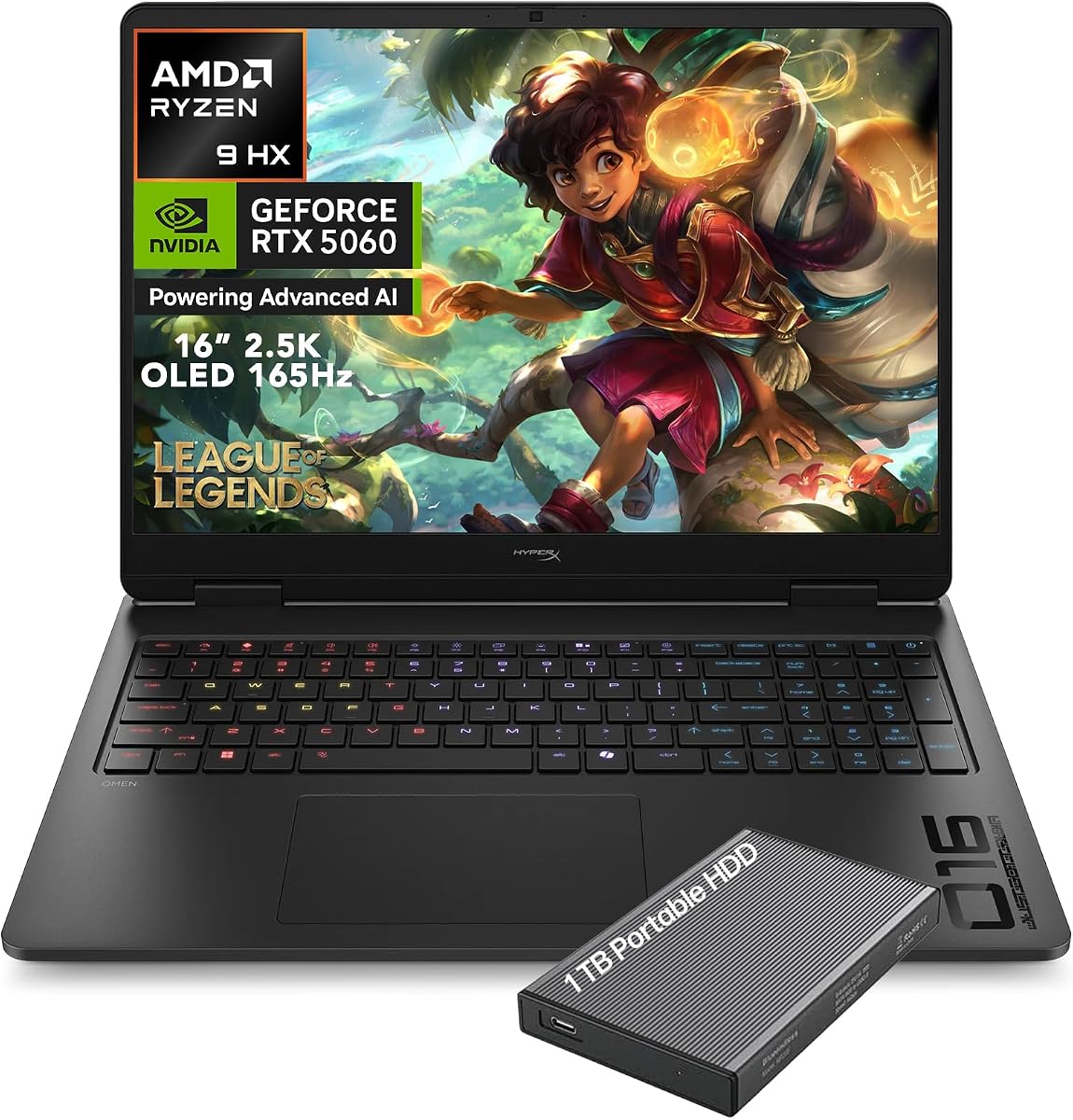
HP HyperX OMEN Gaming Laptop 2026
5.0Editor score
Ryzen 9 8940HX processor
RTX 5060 GPU
2.5K 165Hz OLED screen
Gaming laptops with OLED displays offer incredible visual fidelity that transforms how you experience modern titles. The deep blacks and vibrant colors provide an immersive edge that traditional panels simply cannot match for competitive or casual play.
We have carefully selected ten models based on their display technology performance capabilities and overall build quality. Each entry balances processing power with screen fidelity to ensure you get the best value for your specific gaming needs and budget constraints.
Every pick highlights unique strengths whether it is refresh rate color gamut or thermal management during intense sessions. Please note that prices and availability fluctuate frequently so verify current details before making your final purchase decision online.
5.0Editor score

5.0Editor score
4.7Editor score
As an Amazon Associate we earn from qualifying purchases.
This side-by-side comparison breaks down the core specifications of each model to help you identify which machine aligns best with your performance requirements and display preferences for immersive gaming experiences.


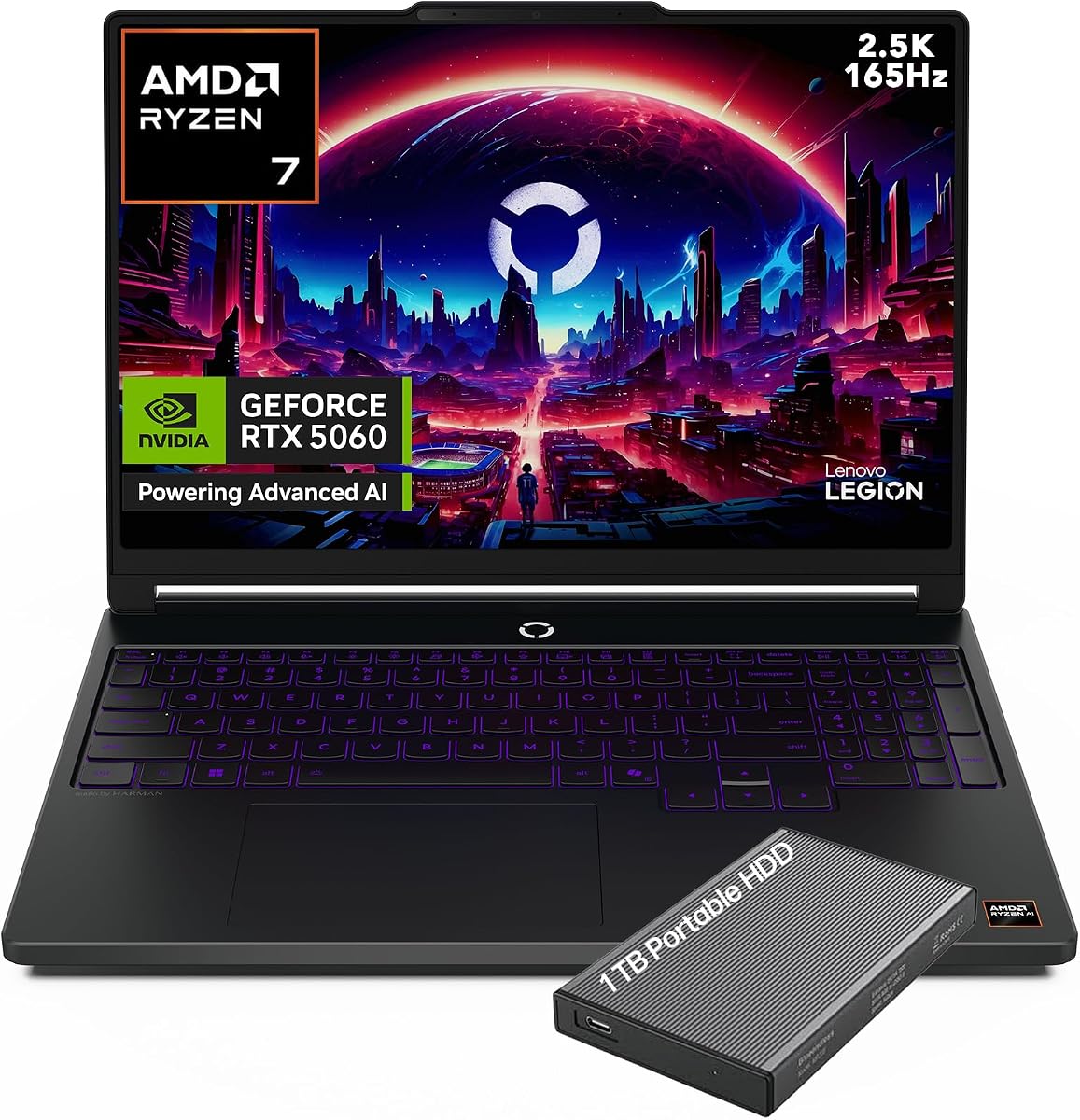
This Lenovo Legion 5a Gaming Laptop tops our list thanks to its perfect balance of power and visual excellence. With a five-star rating it stands out as a reliable choice for those seeking true OLED fidelity without compromising on raw compute capability for modern workloads.
We may earn a commission when you buy through this link, at no additional cost to you.
The AMD Ryzen 7 250 processor paired with 32GB of DDR5 RAM ensures smooth multitasking even when streaming and gaming simultaneously. The RTX 5060 GPU delivers solid frame rates while the 165Hz WQXGA OLED panel provides deep blacks and vivid colors that make every scene pop on screen.
Trade-offs include a glossy finish that can reflect ambient light in bright rooms and some fan noise during extended stress tests. However these are minor compromises given the exceptional color gamut and high refresh rate which are essential for immersive competitive and single-player gaming experiences alike.
You should buy this machine if you value screen quality above all else while still needing robust specs for content creation or AI tasks. The inclusion of Wi-Fi 7 and a portable chassis makes it a versatile companion for students and professionals who game on the go.
The DisplayHDR True Black 1000 certification ensures that dark scenes in games reveal hidden details without washing out shadows or highlights.
Integrated Ryzen AI provides up to 16 TOPS of NPU performance to accelerate local AI tasks without draining the main GPU resources.
We may earn a commission when you buy through this link, at no additional cost to you.
The Lenovo Legion 5 15IRX10 brings flagship Intel performance to the OLED gaming laptop market. Its Core i9 processor and RTX 5070 combination promise excellent frame rates and rendering speeds for both gaming and heavy creative workloads like video editing.
We may earn a commission when you buy through this link, at no additional cost to you.
With 32GB of DDR5 RAM and a fast 1TB NVMe SSD you will experience quick load times and seamless multitasking. The 15.1 inch OLED screen offers a glossy finish that enhances contrast and makes colors appear more vibrant during movie watching or high-fidelity gaming sessions.
Users may notice higher power draw compared to AMD equivalents which can impact battery life during non-gaming tasks. Additionally the chassis is a bit heavier which might be less ideal for daily commuting but acceptable for stationary or occasional travel usage.
This model is perfect for power users who prioritize raw CPU performance over portability. If you run simulations or complex applications alongside gaming the extra cores and threads provide a noticeable advantage over mid-range alternatives.
The 14th Gen HX processor handles multi-threaded tasks effortlessly ensuring that background apps do not stutter while you game.
A glossy screen coating boosts perceived contrast and color depth making it ideal for dark room gaming and media consumption.
We may earn a commission when you buy through this link, at no additional cost to you.
The HP HyperX OMEN Gaming Laptop 2026 offers a compelling entry into OLED gaming with its solid Ryzen 9 CPU and attractive price point. It achieves a perfect five-star rating due to its strong performance and thoughtful peripheral integrations that enhance the user experience.
We may earn a commission when you buy through this link, at no additional cost to you.
At its core sits the AMD Ryzen 9 8940HX processor paired with RTX 5060 graphics which delivers smooth gameplay at 2.5K resolution. The 16-inch OLED panel features a 165Hz refresh rate and DisplayHDR True Black 1000 certification for deep blacks and vibrant color accuracy.
While it comes with 16GB of RAM which may require upgrades for heavy multitasking the self-cleaning cooling tech helps maintain optimal thermals over time. The HyperX audio system provides a distinct advantage for gamers who rely on directional sound cues in competitive titles.
Buy this if you want a reliable budget-friendly machine without sacrificing screen quality. The combination of high-end specs and brand-specific audio improvements makes it a strong contender for esports enthusiasts and casual players alike.
The Tempest Cooling with self-cleaning fans reduces dust buildup to keep performance consistent during marathon gaming sessions.
Spatial 3D audio powered by DTS:X Ultra helps you locate enemies precisely and adds depth to cinematic single-player campaigns.
We may earn a commission when you buy through this link, at no additional cost to you.
This configuration of the Lenovo Legion 5a Gaming Laptop stands out for its balance of performance and additional value through bundled accessories. It delivers a robust OLED experience with the same powerful Ryzen 7 processor and RTX 5060 graphics as other top models.
We may earn a commission when you buy through this link, at no additional cost to you.
The 15.3 inch OLED screen provides excellent visual clarity with a 165Hz refresh rate and HDR support. You get a portable design and Wi-Fi 7 for connectivity alongside a 1TB SSD and 16GB of DDR5 RAM which covers most modern gaming needs comfortably.
Some users might prefer more internal memory but the external drive included in this bundle helps with storage expansion. The main trade-off is managing the extra drive when traveling though the laptop itself is light enough for daily commuting.
This is an ideal choice for students or budget-conscious gamers who need storage space for games and media. The extra drive ensures you have room for archives without needing to upgrade immediately after purchase.
The Eclipse Black chassis is light enough to carry daily while still housing high-end components like the RTX 5060.
Wi-Fi 7 and multiple USB ports ensure fast transfers and connection to external monitors or peripherals without bottlenecks.
We may earn a commission when you buy through this link, at no additional cost to you.
The Lenovo Legion 5i Gaming Laptop is designed for university students and creators who need mobility without sacrificing visual quality. Its thin profile and PureSight OLED display make it an attractive choice for those who move between classes or workspaces regularly.
We may earn a commission when you buy through this link, at no additional cost to you.
Powered by an Intel Core i7-14700HX and RTX 5070 it handles modern games and creative software with ease. The 165Hz OLED screen delivers accurate colors for design work while providing smooth gameplay for leisure sessions after class.
While the 16GB of RAM cannot be upgraded later the inclusion of three months of PC GamePass adds value for new users. The cooling system is engineered to be quiet ensuring that you do not disturb others during meetings or library study.
Choose this if you need a machine that looks professional yet performs well. The fast charging capability helps keep you productive throughout the day without hunting for outlets between classes or meetings.
This display technology focuses on color accuracy and smooth motion making it excellent for both gaming and creative editing.
Fast charging boosts battery from zero to seventy percent in under thirty minutes ensuring you stay powered up during busy days.
We may earn a commission when you buy through this link, at no additional cost to you.
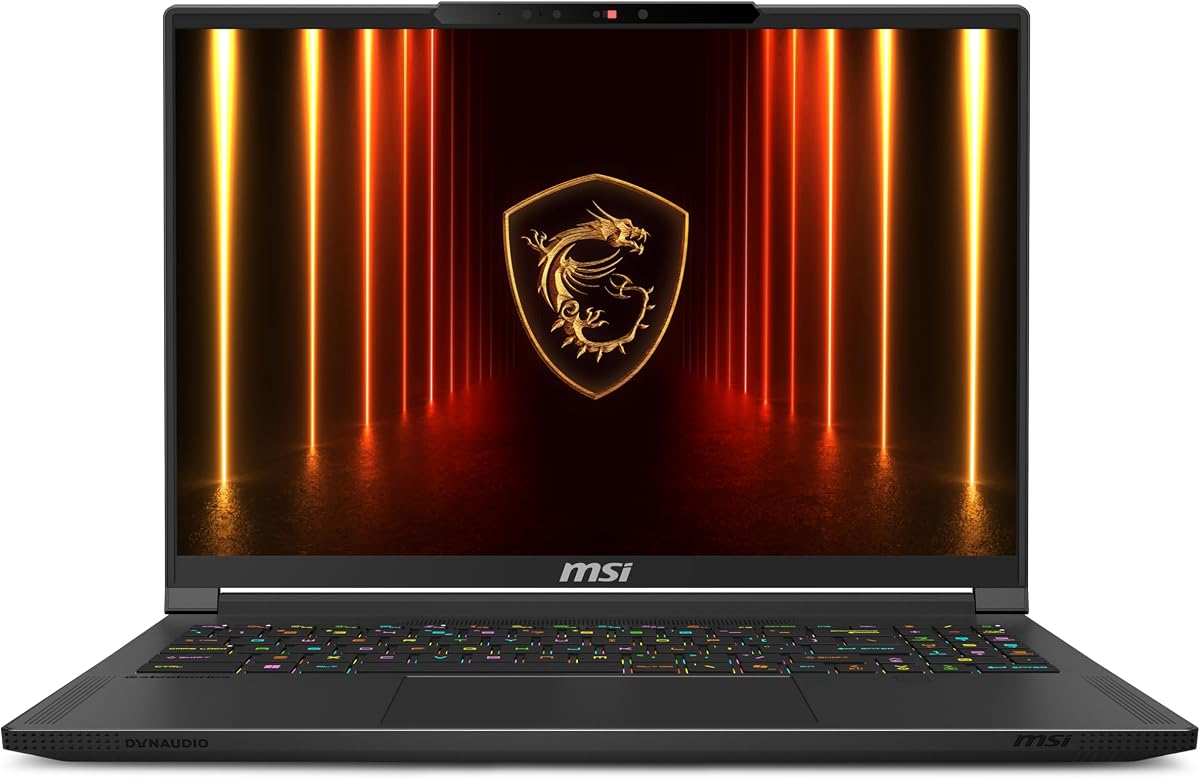
The MSI Stealth A16 AI+ Gaming Laptop defines premium performance with its 240Hz OLED screen and powerful RTX 5070Ti GPU. It is built for competitive gamers who need maximum frame rates alongside content creators who demand raw rendering power for high resolution work.
We may earn a commission when you buy through this link, at no additional cost to you.
Its AMD Ryzen 9 HX 370 processor delivers top class AI capabilities with 50 TOPS of NPU performance. This allows local AI tasks to run efficiently alongside heavy gaming workloads ensuring smooth operation during complex scenarios.
The main downside is the high cost which may not be justified for casual users. However if you are chasing high refresh rates and need large storage for uncompressed video files this machine offers a comprehensive solution.
This is the ultimate choice for enthusiasts who refuse to compromise on speed or visual quality. The inclusion of Windows 11 Pro and substantial memory make it a powerful workstation that happens to excel at gaming.
Built-in AI engines provide up to fifty TOPS of performance accelerating generative tools and local assistants efficiently.
With two terabytes of NVMe SSD storage you can store massive libraries of games and video projects without external drives.
We may earn a commission when you buy through this link, at no additional cost to you.
The MSI Stealth 16 AI+ Gaming Laptop brings the latest Intel Core Ultra architecture to high-end gaming. It aims to blend productivity with extreme gaming performance offering a 240Hz OLED panel that delivers ultra-smooth motion for competitive shooters.
We may earn a commission when you buy through this link, at no additional cost to you.
Powered by the Intel Core Ultra 9 386H it handles complex multi-threaded tasks well. The RTX 5070Ti GPU ensures that you can run the latest titles at high settings with ray tracing enabled while maintaining stable frame rates.
While it offers robust performance the high power draw can lead to shorter battery life and increased heat during intense sessions. Users should expect fan noise to rise under load though this ensures thermal safety for the components.
This device suits professionals who need Intel features for their workflow alongside gaming capabilities. If you rely on specific Intel instructions for work the Ultra chip provides that while still delivering gaming quality.
New architecture improves efficiency and NPU performance helping you manage creative tasks and AI assistants seamlessly.
The 240Hz display gives you a distinct advantage in fast-paced games by reducing motion blur and improving response times.
We may earn a commission when you buy through this link, at no additional cost to you.
This 2026 edition of the Lenovo Legion 5a Gaming Laptop offers a clean slate with modern components and high memory out of the box. Its five-star rating reflects the satisfaction of users who appreciate the simplicity of a well-specified machine.
We may earn a commission when you buy through this link, at no additional cost to you.
The 15.3-inch OLED display provides stunning visuals with a 165Hz refresh rate suitable for fast-paced gaming. The 32GB of DDR5 RAM ensures that you can run multiple applications without slowdown making it great for multitasking.
The design is compact and the Eclipse Black finish looks professional in any setting. However the glossy screen might be a drawback if you often play in brightly lit rooms where reflections can be distracting.
Buy this if you want a straightforward high-performance laptop without needing extra peripherals. It delivers a complete experience right out of the box with excellent specs for the price.
Thirty-two gigabytes of RAM provide ample headroom for streaming and content creation without needing upgrades later.
The Eclipse Black chassis blends well in office or home setups maintaining a low profile during work hours.
We may earn a commission when you buy through this link, at no additional cost to you.
The Lenovo Legion 5 5070 Gaming OLED Laptop stands out for its massive storage and high brightness OLED screen. With a 2TB SSD you can keep a large library of games and files locally without managing external drives constantly.
We may earn a commission when you buy through this link, at no additional cost to you.
Its Intel Core i9 processor and RTX 5070 ensure that you can run demanding titles at high settings. The 165Hz OLED display reaches 1000 nits brightness which is rare for gaming laptops and helps with visibility in bright environments.
The 24-Zone RGB keyboard adds a premium touch to your setup allowing for detailed customization. While the device is heavier than others the robust build and specs justify the weight for users who prioritize performance over portability.
This is an excellent choice for desktop replacements that can still travel when needed. The extra storage and brightness make it ideal for media consumption and heavy gaming on a single machine.
Two terabytes of storage means you can install dozens of large games and creative tools without worrying about space.
The 24-Zone keyboard allows you to map lighting to different apps or games for a personalized and immersive setup.
We may earn a commission when you buy through this link, at no additional cost to you.
The Lenovo Legion 5a 2026 Gaming Laptop rounds out our list as a reliable and standard configuration for modern gaming. It delivers consistent performance with a clean design and features that support both work and play efficiently.
We may earn a commission when you buy through this link, at no additional cost to you.
With its AMD Ryzen 7 250 processor and RTX 5060 GPU it handles most games and applications smoothly. The 165Hz OLED screen provides a vivid viewing experience and the 1TB SSD offers enough space for a typical user library.
Users appreciate the privacy shutter on the webcam and the fast USB-C charging which keeps the machine ready for use quickly. The cooling system manages heat well though fans may ramp up during intensive gaming sessions.
This is a solid pick for anyone seeking a dependable laptop without excessive complexity. It offers all the essential features for a great gaming experience without unnecessary bells and whistles.
The integrated privacy shutter gives you peace of mind when using the webcam for calls or streaming.
Modern ports including USB-C and HDMI 2.1 ensure you can connect to external monitors and accessories easily.
We may earn a commission when you buy through this link, at no additional cost to you.
Selecting the right OLED gaming laptop requires balancing display quality with system performance. This section breaks down the key factors to consider before making a purchase.
Refresh rate determines how smooth motion appears during fast action sequences. Look for at least 165Hz to minimize motion blur and gain a competitive edge in shooters or racing games.
Higher rates like 240Hz offer even better fluidity but require powerful hardware to maintain high frame rates consistently.
OLED panels vary in how accurately they reproduce colors. Aim for models with 100% DCI-P3 coverage for vibrant and true-to-life visuals in games and media.
Good color coverage ensures that skin tones and environmental details look natural and immersive across different content types.
The CPU handles logic and physics while the GPU renders images. Choose an Intel Core i7 or AMD Ryzen 7 equivalent to avoid bottlenecks during complex simulations or open-world games.
Strong processing power ensures that your game runs smoothly even with background apps running like streaming software or voice chat.
RAM affects multitasking and asset loading speeds. Sixteen gigabytes is the minimum standard but thirty-two gigabytes provides better longevity for future titles and heavy workflows.
If you plan on streaming or editing video alongside gaming higher memory will prevent system slowdowns during peak usage.
High-performance components generate significant heat. Look for laptops with efficient cooling systems like dual fans or heat pipes to sustain performance over long sessions.
Good thermal design keeps the device comfortable to use and reduces the noise level during intense gaming sessions.
Fast internet is crucial for online gaming. Wi-Fi 7 support ensures low latency and high bandwidth even in crowded wireless environments.
Multiple ports like USB-C and HDMI allow you to connect external monitors and peripherals without needing complex adapters.
OLED screens can consume more power than LCDs. Check for large battery capacities like 80Wh to ensure you can work or study away from a power source.
Fast charging support helps you top up quickly between uses reducing downtime during busy days or travel.
To maximize the lifespan of your OLED panel avoid displaying static images for extended periods. Use a screensaver or enable automatic dimming features when the laptop is idle to prevent image burn-in over time.
Keep the cooling vents clean by periodically using compressed air to remove dust. This ensures that the internal fans can operate efficiently and prevents the system from throttling performance during gaming sessions.
Always adjust your brightness settings based on ambient light. Lowering the screen brightness in dim environments not only saves battery but also reduces eye strain during long gaming or working sessions.
OLED screens are generally safe and offer superior contrast. To prevent burn-in avoid leaving static UI elements on screen for long periods and use screensavers. Modern panels have built-in protection features that manage pixel usage evenly.
A refresh rate of 165Hz is ideal for most gamers offering smooth motion without excessive cost. Competitive players may prefer 240Hz for an edge in fast-paced shooters where reaction times matter significantly.
Yes dedicated GPUs are essential for high-fidelity gaming. Integrated graphics often struggle with modern titles at high settings whereas dedicated cards like the RTX 5060 deliver smooth frame rates and advanced lighting effects.
It depends on the model. Some laptops have soldered RAM while others allow upgrades. Check the manufacturer specs before purchasing if you plan to increase memory beyond the initial configuration.
With proper care OLED displays can last for years. Their brightness may decrease slightly over time but high-quality panels in gaming laptops are designed to sustain usage without significant degradation.
Yes Wi-Fi 7 offers faster speeds and lower latency than previous standards. This ensures your machine is ready for emerging network technologies and reduces lag during online gaming sessions.
Both offer excellent performance depending on the specific model. AMD Ryzen chips often provide better efficiency while Intel Core processors may offer higher raw single-core speeds for certain applications.
High-performance laptops generate heat regardless of screen type. OLEDs do not inherently produce more heat than LCDs but the powerful components inside do. Efficient cooling systems are crucial for maintaining comfort.
We have explored ten outstanding models ranging from budget options to premium powerhouses. Each offers a unique blend of display quality and performance to suit different needs and budgets.
Prioritize what matters most to you whether it is raw frame rates portability or color accuracy. Consider your typical workload and ensure the specs can handle your favorite games without compromise.
Prices and availability change often so always check current listings before buying. The right OLED gaming laptop will provide years of immersive entertainment and productivity.